Quick Start
5.5. Gun Mode with Ballistics Selection:
◆Applied Ballistics® Operation Mode:
First select Gun mode. Next, choose
between ABI (Applied Ballistics® Internal
Mode) or ABE (Applied Ballistics®
External Mode).
Use ABI mode to calculate and display
your ballistics solutions using your
rangefinder’s internal Applied Ballistics
Ultralight® solver.
Use ABE mode if you are using an
external Applied Ballistics® equipped
Kestrel® Weather Meter or Garmin®
Watch (not included) to provide the
ballistics solutions to your rangefinder.
Press the Power Button to cycle through
these selections and press the Mode
Button to select.
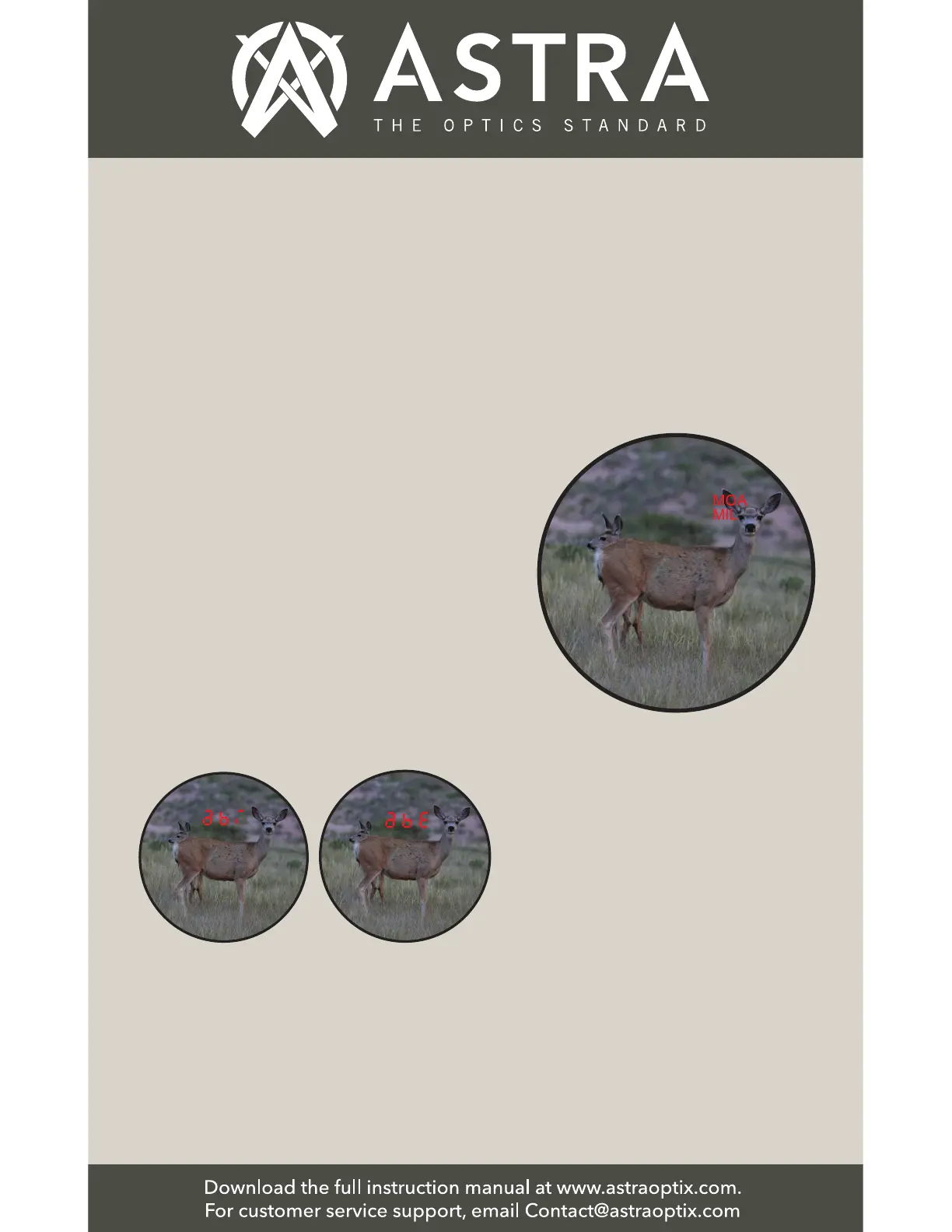
◆Holdover Units Selection: MOA or
MIL - Press the Power Button to cycle
through these selections and press the
Mode Button to select.


 To Next Page