vm.LIVE WIRE DETECTION
• Insert the red test lead into the INPUT terminal
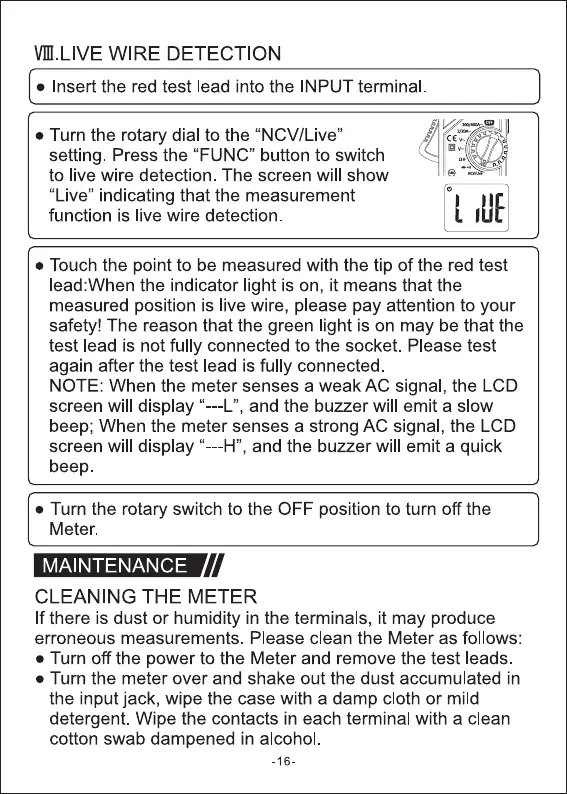
• Turn the rotary dial to the "NCV/Live"
setting. Press the "FUNC" button to switch
to live wire detection. The screen will show
"Live" indicating that the measurement
function is live wire detection
• Touch the point to be measured with the tip of the red test
lead:When the indicator light is on, it means that the
measured position is live wire, please pay attention to your
safety! The reason that the green light is on may be that the
test lead is not fully connected to the socket. Please test
again after the test lead is fully connected.
NOTE: When the meter senses a weak AC signal, the LCD
screen will display "---L", and the buzzer will emit a slow
beep; When the meter senses a strong AC signal, the LCD
screen will display "---H", and the buzzer will emit a quick
beep
• Turn the rotary switch to the OFF position to turn off the
Meter.
MAINTENANCE
CLEANING THE METER
If there is dust or humidity in the terminals, it may produce
erroneous measurements. Please clean the Meter as follows:
• Turn off the power to the Meter and remove the test leads
• Turn the meter over and shake out the dust accumulated in
the input jack, wipe the case with a damp cloth or mild
detergent. Wipe the contacts in each terminal with a clean
cotton swab dampened in alcohol.
-16-


 To Next Page
 Loading...




