POLARITY JUDGMENT METHOD
• Switch the Multimeter to the Resistance setting.
• Connect the two test leads to the two electrodes of the
diode.
• Measure one result, then swap the positions of the test
leads, then measure the second result.
• The larger result is the reverse resistance and the smaller
result is the forward resistance. The smaller resistance is
when the black test lead is connected to the positive end of
the diode and the red lead is connected to the negative end.
w.NON-CONTACT VOLTAGE
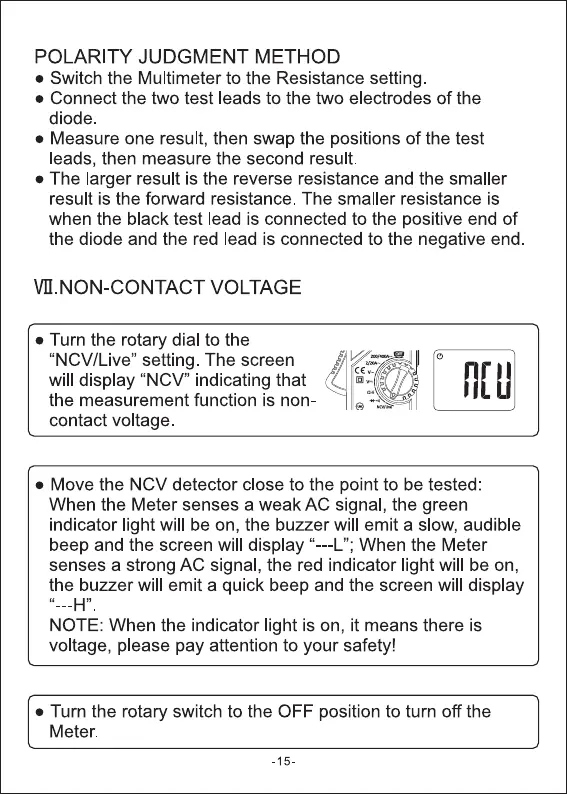
• Turn the rotary dial to the
"NCV/Live" setting. The screen
will display "NCV" indicating that
the measurement function is non-
contact voltage
• Move the NCV detector close to the point to be tested:
When the Meter senses a weak AC signal, the green
indicator light will be on, the buzzer will emit a slow, audible
beep and the screen will display --L"; When the Meter
senses a strong AC signal, the red indicator light will be on,
the buzzer will emit a quick beep and the screen will display
NOTE: When the indicator light is on, it means there is
voltage, please pay attention to your safety!
• Turn the rotary switch to the OFF position to turn off the
Meter.
-15-


 To Next Page
 Loading...




