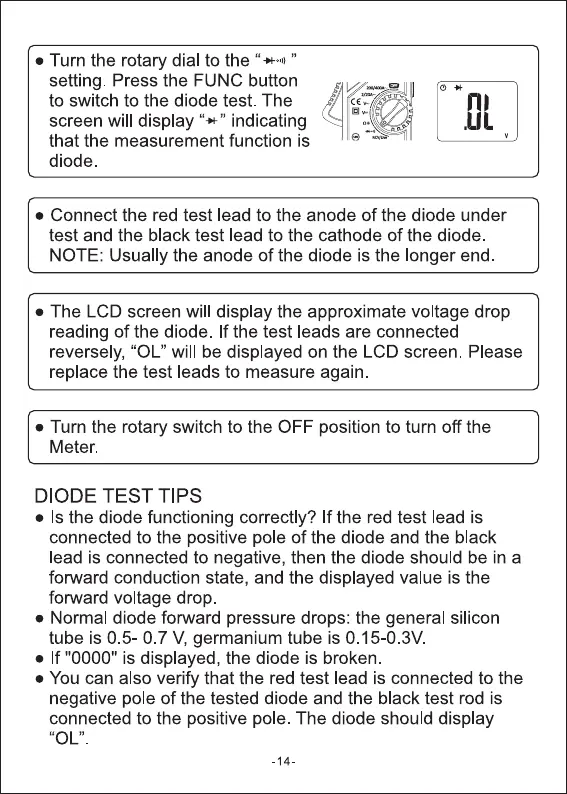
• Turn the rotary dial to the "
setting. Press the FUNC button
to switch to the diode test. The
screen will display indicating
that the measurement function is
diode.
m
• Connect the red test lead to the anode of the diode under
test and the black test lead to the cathode of the diode
NOTE: Usually the anode of the diode is the longer end
• The LCD screen will display the approximate voltage drop
reading of the diode. If the test leads are connected
reversely, "OL" will be displayed on the LCD screen. Please
replace the test leads to measure again.
• Turn the rotary switch to the OFF position to turn off the
Meter.
DIODE TEST TIPS
• Is the diode functioning correctly? If the red test lead is
connected to the positive pole of the diode and the black
lead is connected to negative, then the diode should be in a
forward conduction state, and the displayed value is the
forward voltage drop.
• Normal diode forward pressure drops: the general silicon
tube is 0 5-0 7 V, germanium tube is O.15-0.3V
• If "0000" is displayed, the diode is broken
• You can also verify that the red test lead is connected to the
negative pole of the tested diode and the black test rod is
connected to the positive pole. The diode should display
-14.


 To Next Page
 Loading...




