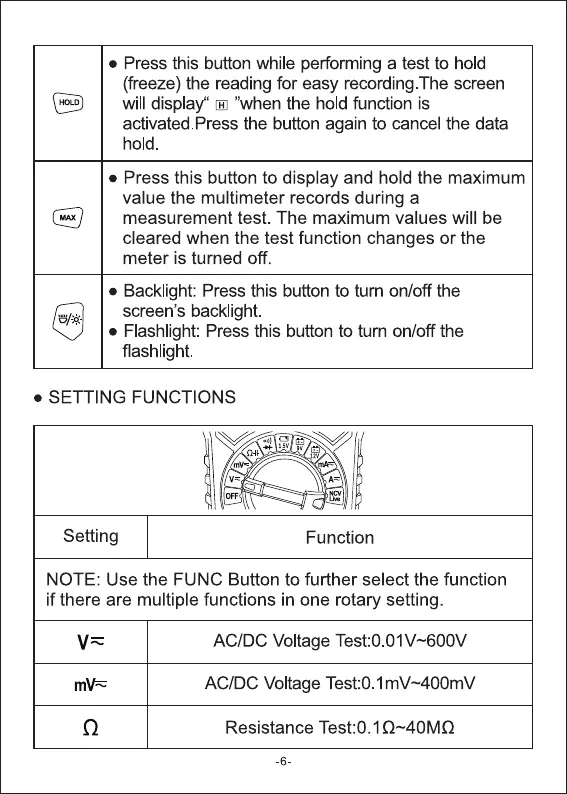
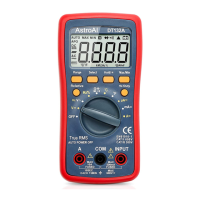
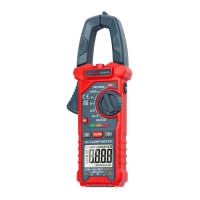
• Press this button while performing a test to hold
(freeze) the reading for easy recording. The screen
will display' 'When the hold function is
activated.Press the button again to cancel the data
hold.
• Press this button to display and hold the maximum
value the multimeter records during a
measurement test. The maximum values will be
cleared when the test function changes or the
meter is turned off.
• Backlight: Press this button to tum on/off the
screen's backlight.
• Flashlight: Press this button to turn on/off the
flashlight.
• SETTING FUNCTIONS
Setting
Function
NOTE: Use the FUNC Button to further select the function
if there are multiple functions in one rotary setting.
AC/DC Voltage Test:0 01v-600V
AC/DC Voltage Test:O.1mV-400mV
Resistance Test:O. 1 Q--40MQ
-6


 To Next Page