HOW TO USE THIS MULTIMETER
This Digital Multimeter is very sensitive. It will be affected by
nearby magnetic fields. Without touching any objects, there
may be a reading jumping on the screen when it is turned on.
This is a normal occurrence of a digital multimeter and it does
not affect the measurement results.
1 . MEASURING VOLTAGE
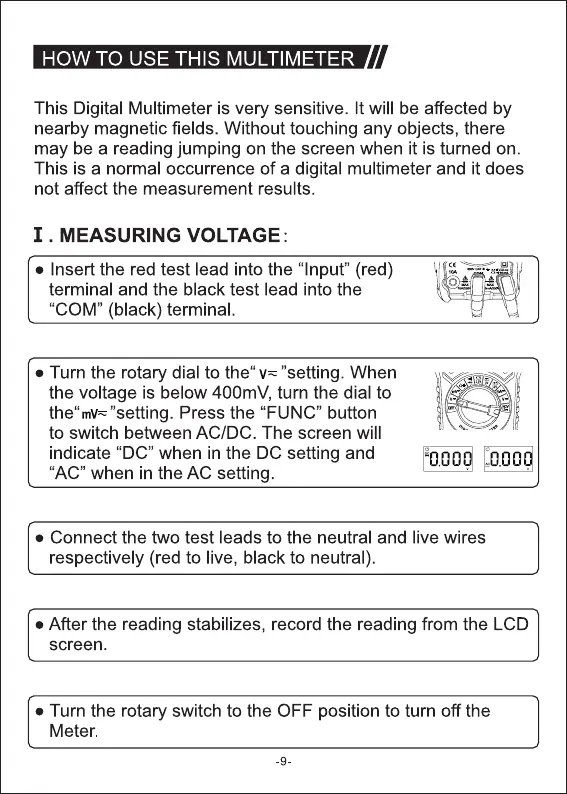
• Insert the red test lead into the "Input" (red)
terminal and the black test lead into the
"COM" (black) terminal.
• Turn the rotary dial to the" "setting. When
the voltage is below 400mV, turn the dial to
"setting. Press the "FUNC" button
to switch between AC/DC. The screen will
indicate "DC" when in the DC setting and
"AC" when in the AC setting.
• Connect the two test leads to the neutral and live wires
respectively (red to live, black to neutral).
• After the reading stabilizes, record the reading from the LCD
screen.
• Turn the rotary switch to the OFF position to turn off the
Meter.
-9



 To Next Page