48
Notebook PC User Manual
Button
Button and Status Indicators
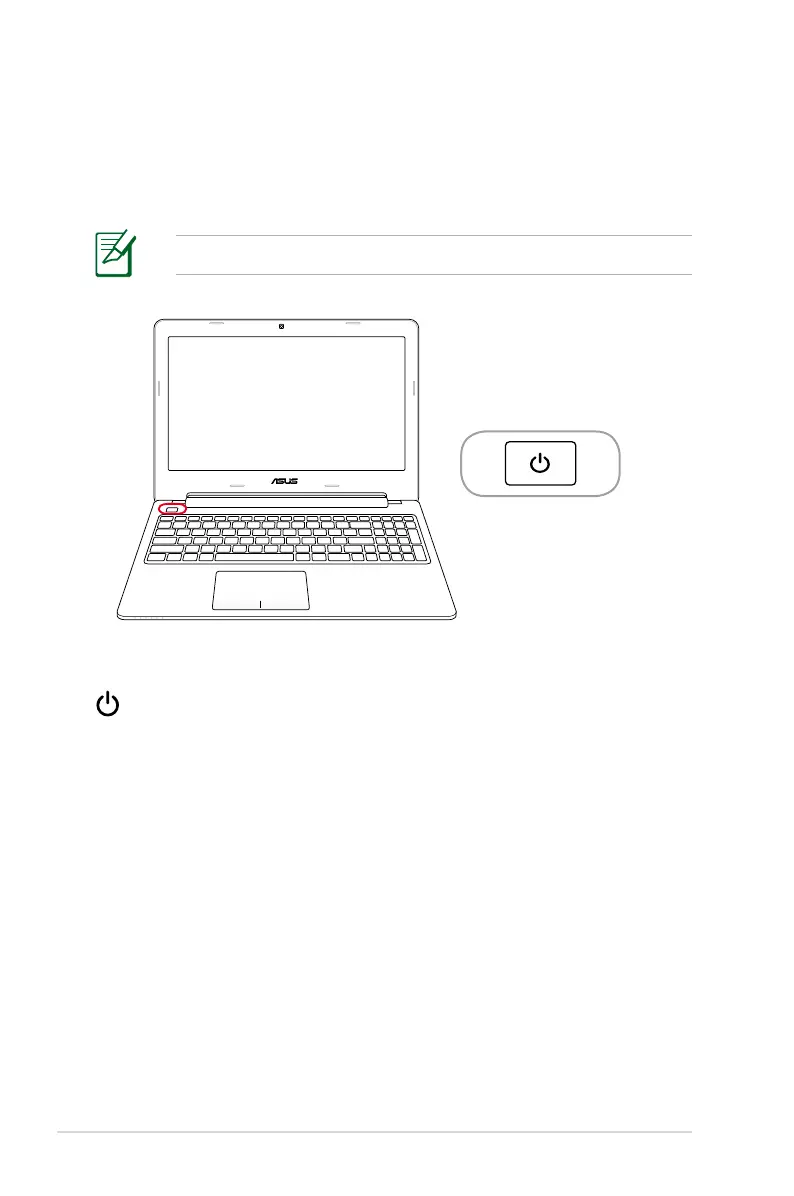
Power Button
The power button turns the Notebook PC ON and OFF. It also
puts the Notebook PC into sleep or hibernate mode. The actual
behavior of the power button can be customized in Windows
Control Panel “Power Options.”
The top side may vary in appearance depending on model.



 To Next Page