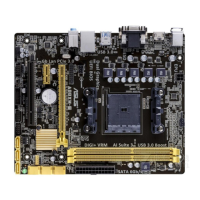
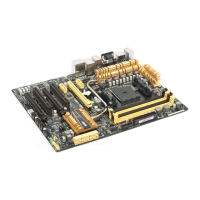
ASUS A8V-E DeluxeASUS A8V-E Deluxe
ASUS A8V-E DeluxeASUS A8V-E Deluxe
ASUS A8V-E Deluxe
4-374-37
4-374-37
4-37
CPU Target Temperature [xxxºC/xxxºF]CPU Target Temperature [xxxºC/xxxºF]
CPU Target Temperature [xxxºC/xxxºF]CPU Target Temperature [xxxºC/xxxºF]
CPU Target Temperature [xxxºC/xxxºF]
Allows you to set the CPU Q-Fan temperature threshold when the CPU fan
speed is increased to lower the CPU temperature.
Configuration options: [10ºC/50ºF] [15ºC/59ºF] [20ºC/68ºF] [25ºC/77ºF]
[30ºC/86ºF] [35ºC/95ºF] [40ºC/104ºF] [45ºC/113ºF] [50ºC/122ºF]
[55ºC/131ºF] [60ºC/140ºF] [65ºC/149ºF] [70ºC/158ºF] [75ºC/167ºF]
[80ºC/176ºF] [85ºC/185ºF]
Temperature Tolerance [3ºC]Temperature Tolerance [3ºC]
Temperature Tolerance [3ºC]Temperature Tolerance [3ºC]
Temperature Tolerance [3ºC]
Allows you to set the CPU temperature tolerance value.
Configuration options: [0ºC] [1ºC] [2ºC] [3ºC] [4ºC] [5ºC] [6ºC] [7ºC]
Minimum FAN Duty Cycle [11/16]Minimum FAN Duty Cycle [11/16]
Minimum FAN Duty Cycle [11/16]Minimum FAN Duty Cycle [11/16]
Minimum FAN Duty Cycle [11/16]
Allows you to set the minimum fan duty cycle.
Configuration options: [11/16] [12/16] [13/16] [14/16] [15/16]
FAN Step Time [0.1 sec]FAN Step Time [0.1 sec]
FAN Step Time [0.1 sec]FAN Step Time [0.1 sec]
FAN Step Time [0.1 sec]
Allows you to select the fan speed time interval. Configuration options:
[0.1 sec] [0.2 sec] [0.3 sec] [0.4 sec] [0.5 sec] [0.6 sec] [0.7 sec]
[0.8 sec] [0.9 sec] [1.0 sec] [1.1 sec] [1.2 sec] [1.3 sec] [1.4 sec]
[1.5 sec] [1.6 sec]
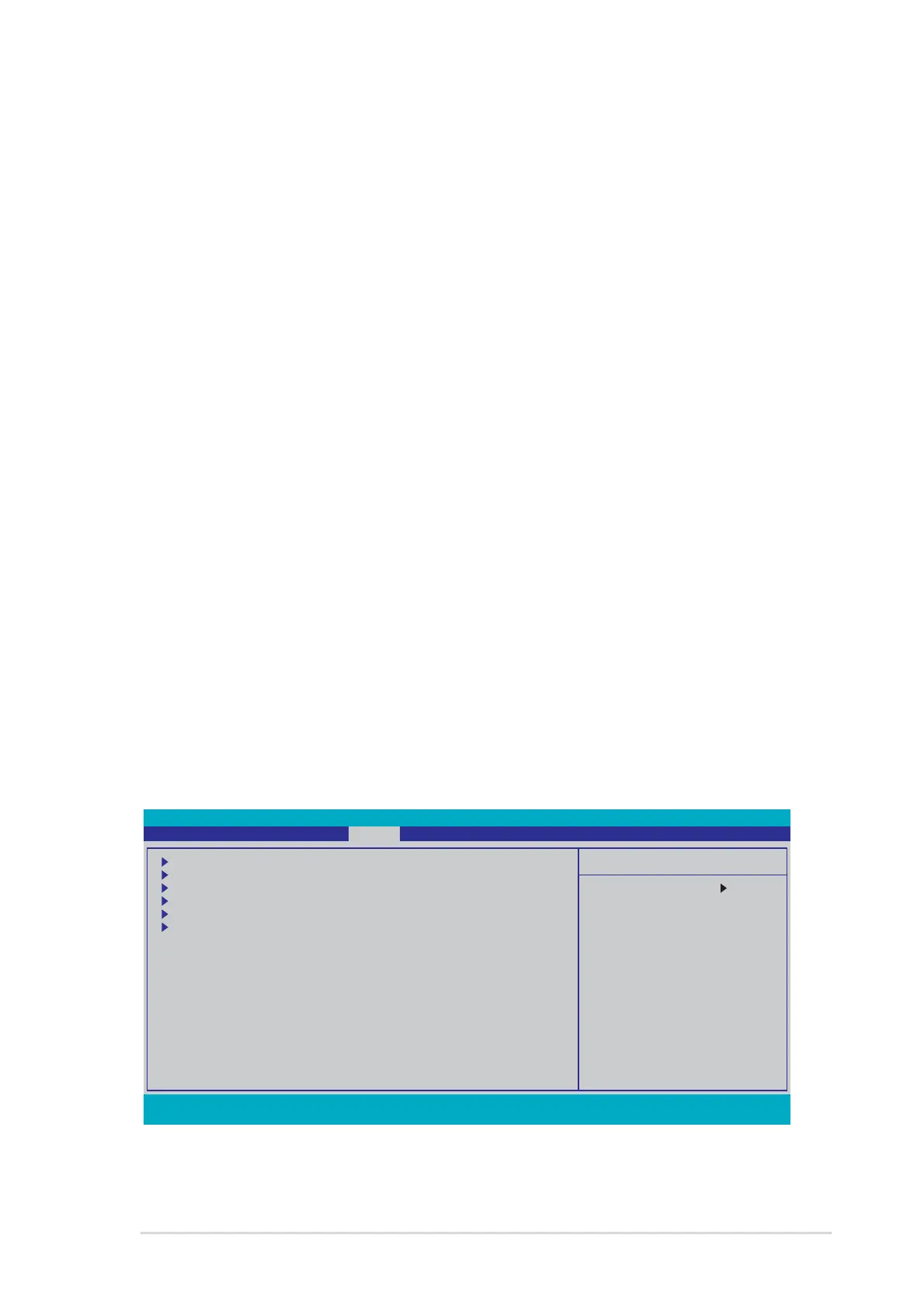
4.6 Boot menu
The Boot menu items allow you to change the system boot options. Select
an item then press <Enter> to display the sub-menu.
Phoenix-Award BIOS CMOS Setup Utility
Main Advanced Power Boot Exit
Select Menu
Item Specific Help
Boot Device Priority
Removable Drives
Hard Disk Drives
CDROM Drives
Boot Settings Configuration
Security
F1:Help ↑↓ : Select Item -/+: Change Value F5: Setup Defaults
ESC: Exit →←: Select Menu Enter: Select Sub-menu F10: Save and Exit



 To Next Page