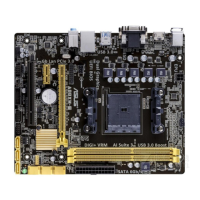
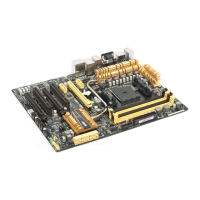
ASUS A8V-E DeluxeASUS A8V-E Deluxe
ASUS A8V-E DeluxeASUS A8V-E Deluxe
ASUS A8V-E Deluxe
4-214-21
4-214-21
4-21
PE0-PE3 Data Scrambling [Enable]PE0-PE3 Data Scrambling [Enable]
PE0-PE3 Data Scrambling [Enable]PE0-PE3 Data Scrambling [Enable]
PE0-PE3 Data Scrambling [Enable]
Disables or enables the PCI Express™ 0 to PCI Express™ 3 data scrambling.
Configuration options: [Disable] [Enable]
Init Display First [PCI Slot]Init Display First [PCI Slot]
Init Display First [PCI Slot]Init Display First [PCI Slot]
Init Display First [PCI Slot]
Allows you to select the graphics controller to use as the primary boot
device. Configuration options: [PCI Slot] [PCIEx]
Chipset Vcore Adjustment [+1.5 V]Chipset Vcore Adjustment [+1.5 V]
Chipset Vcore Adjustment [+1.5 V]Chipset Vcore Adjustment [+1.5 V]
Chipset Vcore Adjustment [+1.5 V]
Sets the chipset vcore adjustment voltage.
Configuration options: [+1.5 V] [+1.6 V]
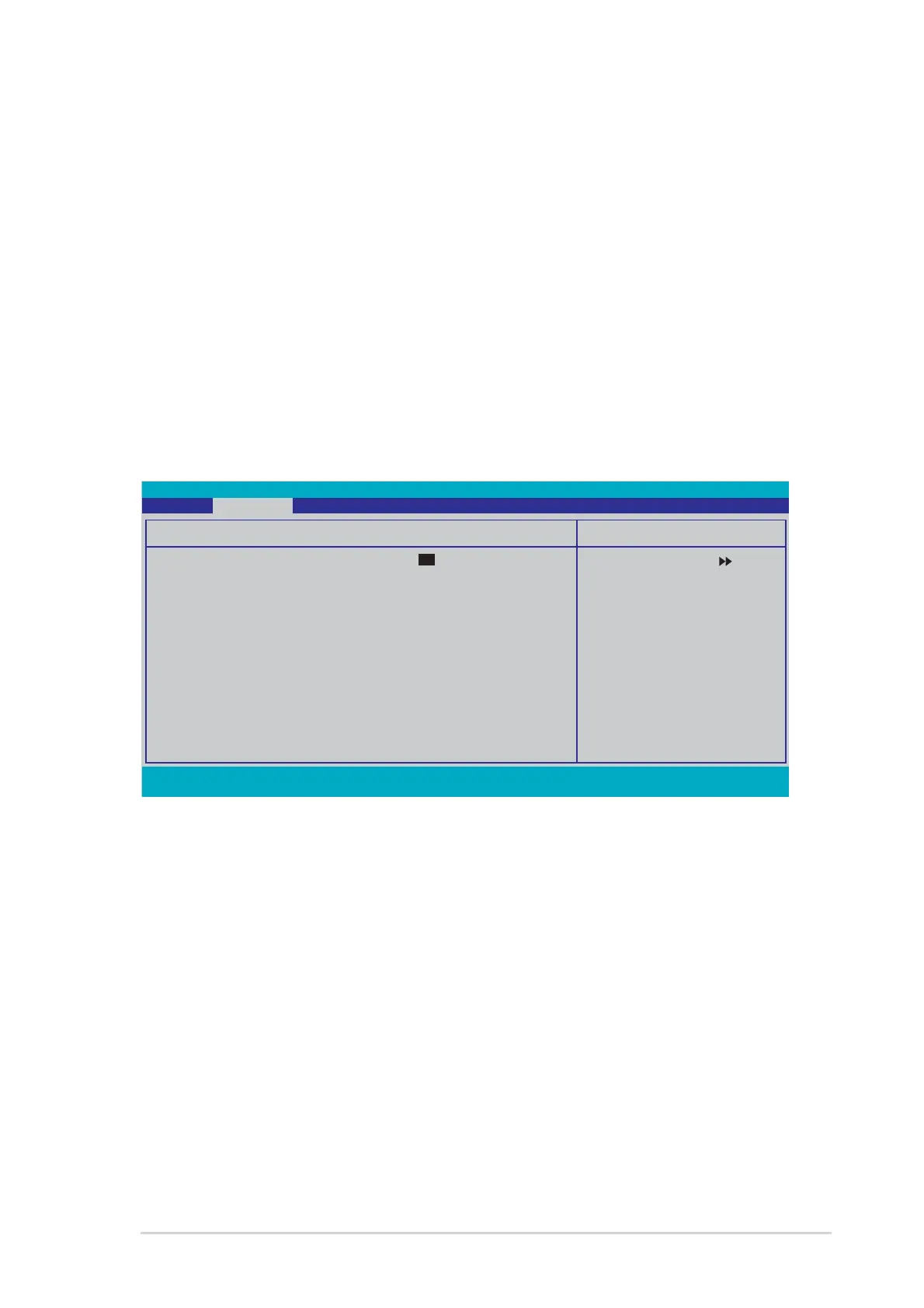
F1:Help ↑↓ : Select Item -/+: Change Value F5: Setup Defaults
ESC: Exit →←: Select Menu Enter: Select Sub-menu F10: Save and Exit
Select Menu
Item Specific Help
Select Yes if you are
using a Plug and Play
capable operating
system. Select No if you
need the BIOS to
configure non-boot
devices.
Frequency/Voltage control
Plug & Play O/S [No]
Resources Controlled By [Auto]
x IRQ Resources
PCI/VGA Palette Snoop [Disabled]
Assign IRQ for VGA [Enabled]
** PCI Express relative items **
Maximum Payload Size [4096]
Phoenix-Award BIOS CMOS Setup Utility
Advanced
4.4.34.4.3
4.4.34.4.3
4.4.3
PCI PnPPCI PnP
PCI PnPPCI PnP
PCI PnP
Plug & Play O/S [No]Plug & Play O/S [No]
Plug & Play O/S [No]Plug & Play O/S [No]
Plug & Play O/S [No]
When set to [No], the BIOS configures all the devices in the system. When
set to [Yes] and if you install a Plug and Play operating system, the
operating system configures the Plug and Play devices not required for
boot. Configuration options: [No] [Yes]
Resources Controlled By [Auto]Resources Controlled By [Auto]
Resources Controlled By [Auto]Resources Controlled By [Auto]
Resources Controlled By [Auto]
When set to [Auto], the BIOS automatically configures all the boot and
Plug and Play compatible devices. Set to [Manual] if you want to assign the
IRQ DMA and memory base address fields.
Configuration options: [Auto] [Manual]



 To Next Page