EasyManua.ls Logo

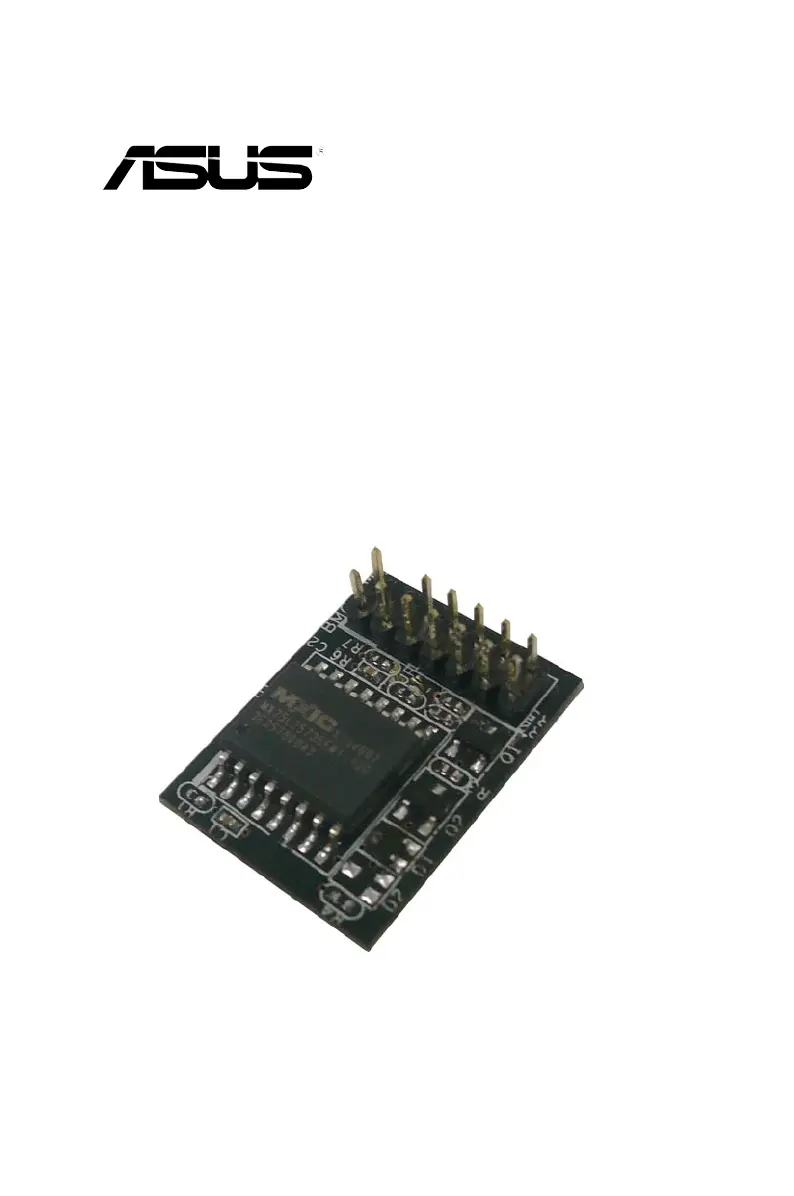
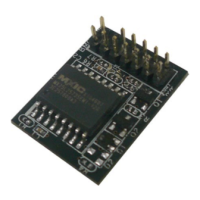
Asus ASMB6-IKVM - User Manual

Asus ASMB6-IKVM
114 pages
Print Icon
To Next Page IconTo Next Page
Loading...
ASMB6-iKVM
Server Management Board

Table of Contents

Questions and Answers

  • G
    Gabriel BentleyJul 31, 2025
    What to do if Asus Computer Hardware ASMB6-iKVM has network connection problems in a Firewall environment?
    • R
      Richard MitchellJul 31, 2025
      If the Asus ASMB6-iKVM encounters network connection issues within a Firewall environment, ask your MIS department to add the following port numbers to the Firewall: 5123 (virtual floppy) (TCP), 5120 (virtual CDROM) (TCP), 623 (IPMI) (TCP & UDP), 80 (HTTP) (TCP), 7578 (iKVM) (TCP), 443 (HTTPs) (TCP), and 161 (SNMP) (UDP).
  • B
    bwilsonAug 10, 2025
    How to troubleshoot Asus Computer Hardware when the local/central server cannot connect to the ASMB6-iKVM board?
    • A
      austin80Aug 10, 2025
      If the local or central server can't connect to the ASMB6-iKVM board, take these steps: 1. Check that the LAN cable is properly connected to the LAN port. 2. Ensure that the IP addresses of both the remote and local/central servers are on the same subnet. 3. Verify that the IP source is not set to [DHCP]. Note that you won’t be able to configure the IP address when it is set to [DHCP].
  • E
    Evan ShieldsAug 20, 2025
    What to do if the Java redirection screen cannot be displayed normally on Asus ASMB6-IKVM Computer Hardware?
    • C
      Christian TranAug 21, 2025
      If the Java redirection screen is not displaying correctly, refresh the redirection screen by clicking the Refresh Page button.

Summary

Installation

Hardware installation

Provides step-by-step instructions for physically installing the ASMB6-iKVM on the motherboard.

Firmware update and IP configuration

Guides on updating the board's firmware and setting up IP configuration.

ASUS Remote Console

Connecting to the remote server

Detailed steps to establish a connection to the remote server using ARC.

Controlling the remote server power

Steps to power down, power up, or reset the remote server.

Web-based user interface

Web-based user interface

Overview of accessing and using the web-based interface for monitoring and control.

Remote Control

Performing remote operations on the server.

Reference information

Troubleshooting

Provides solutions to common installation and usage problems.

Asus ASMB6-IKVM Specifications

General IconGeneral
ModelASMB6-IKVM
CategoryComputer Hardware
Maximum Memory64GB
Remote ManagementYes
Memory Slots4
NetworkingGigabit Ethernet
Network1 x RJ45
Video OutputHDMI
CompatibilityASUS Motherboards

Related product manuals