Turning your computer ON/OFF
This section describes how to turn on/off your computer after setting up your computer.
Turning your computer ON
To turn your computer ON:
1. Turn your monitor ON.
2. Turn on the power switch. (
BM6AE/MD780 only)
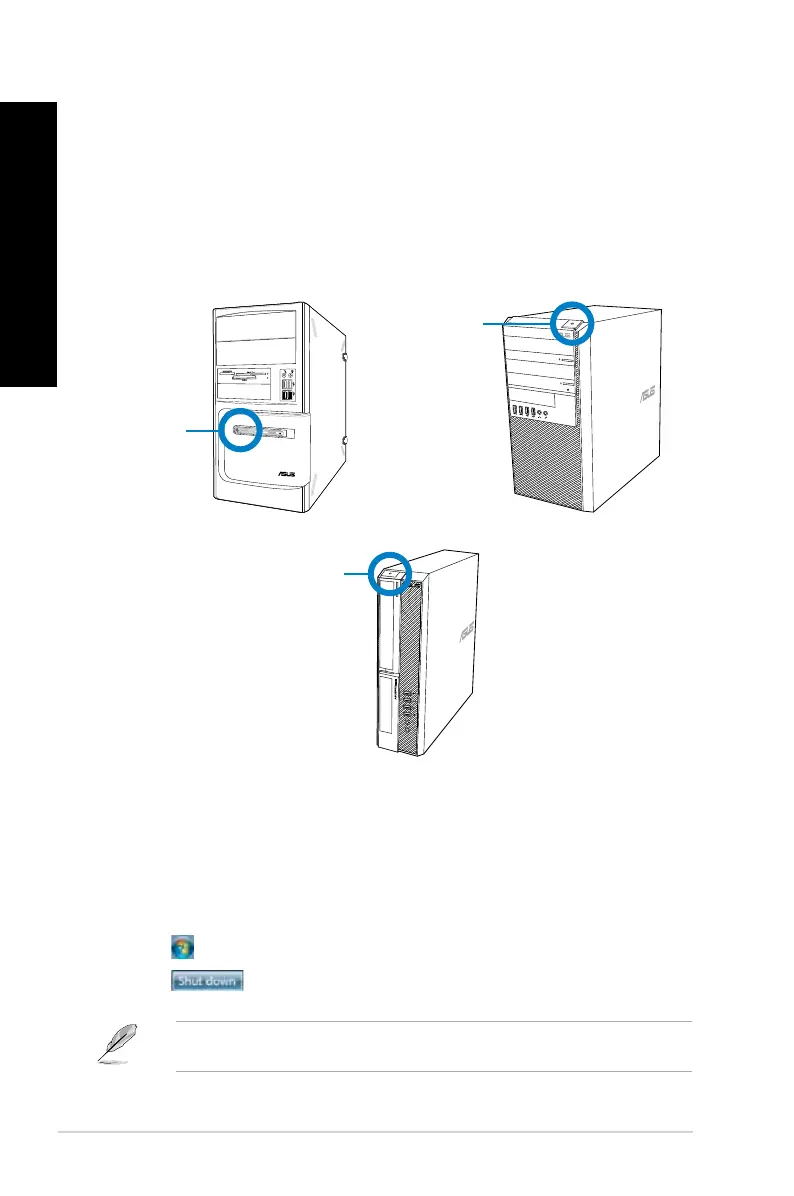
3. Press the power button on your computer.
4. Wait until the operating system loads automatically.
Turning your computer OFF
To turn your computer OFF on Windows
®
7:
1. Close all running applications.
2. Click
on the Windows
®
desktop.
3. Click
to shut down the operating system.
For details on shutting down your Desktop PC on Windows
®
8, refer to the section Turning
your Desktop PC OFF in Chapter 3.
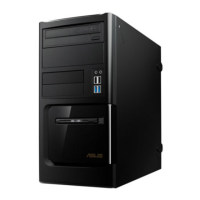
Power button
BM1AF
Power button
BM6AF
Power button
BP1AF
28 Chapter 1: Getting started
ENGLISH
ENGLISH


 To Next Page