Starting for the rst time
When you start your computer for the rst time, a series of screens appear to guide you in
conguring the basic settings of your Windows
®
8 operating system.
To start for the rst time:
1. Turn your computer on. Wait for a few minutes until the setup screen appears.
2. Carefully read the license terms. Tick
I accept the license terms for using Windows
and click Accept.
3. Follow the next onscreen instructions to congure the following basic items:
• Personalize
• Settings
4. Once you are done conguring the basic items, the Windows
®
8 video tutorial appears.
Watch this tutorial to learn more about Windows
®
8 functionalities.
For details on using Windows
®
8, refer to the next sections.
ENGLISH
ENGLISH
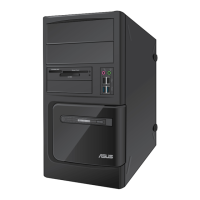
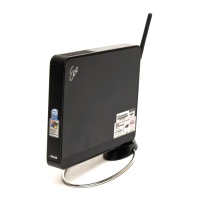
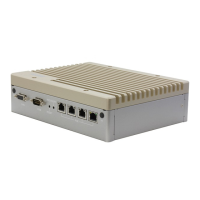
ASUS BM6AF, BM1AF, and BP1AF 37
Chapter 3
Using Windows
®
8



 To Next Page