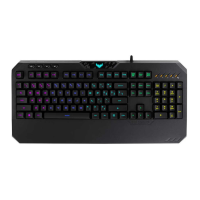
Installing your gaming keyboard
ConnecttheUSBconnectorofyourgamingkeyboardtotheUSBport
ofyourcomputer.Yourcomputerautomaticallydetectsandinstallsthe
keyboarddriver.Whentheinstallationiscompleted,youcanstartusing
yourgamingkeyboard.
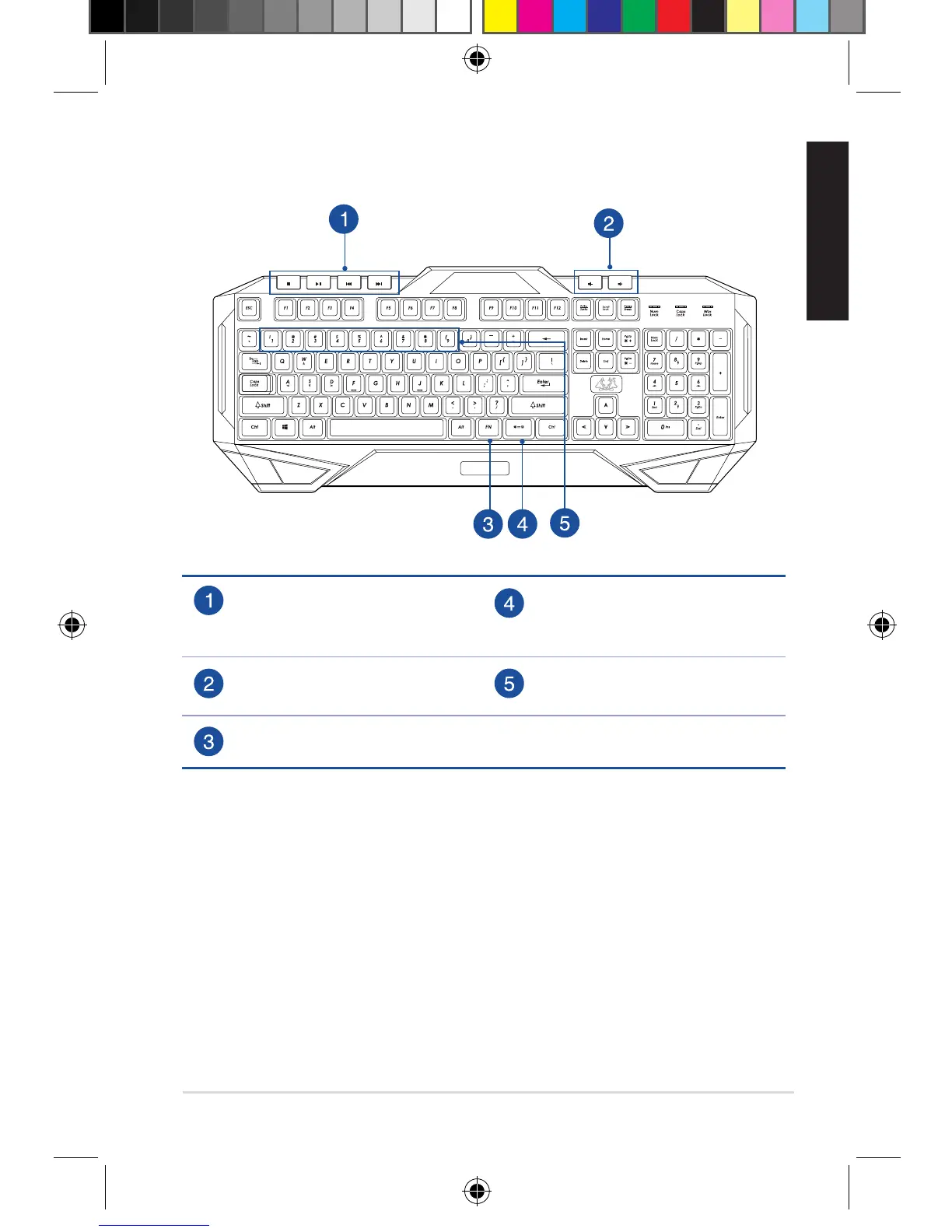
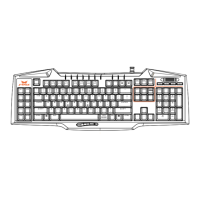
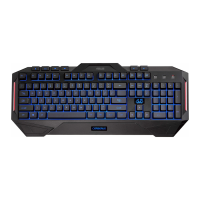
Getting to know your Gaming Keyboard
CERBERUS
Mediaplayercontrols
(Stop,play/pause,previous,
next)
Backlightcontrolon/o
Volumedown/volumeup [FN]+[1]~[9]:Multi-color
lightingcontrols
[FN]key
E11609_Cerberus_Gaming_Keyboard_UM_V3.indd 3 2016-04-12 17:45:19


 To Next Page