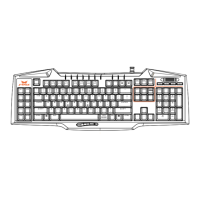
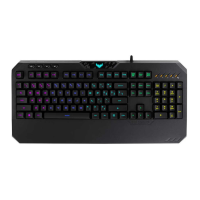
Function keys
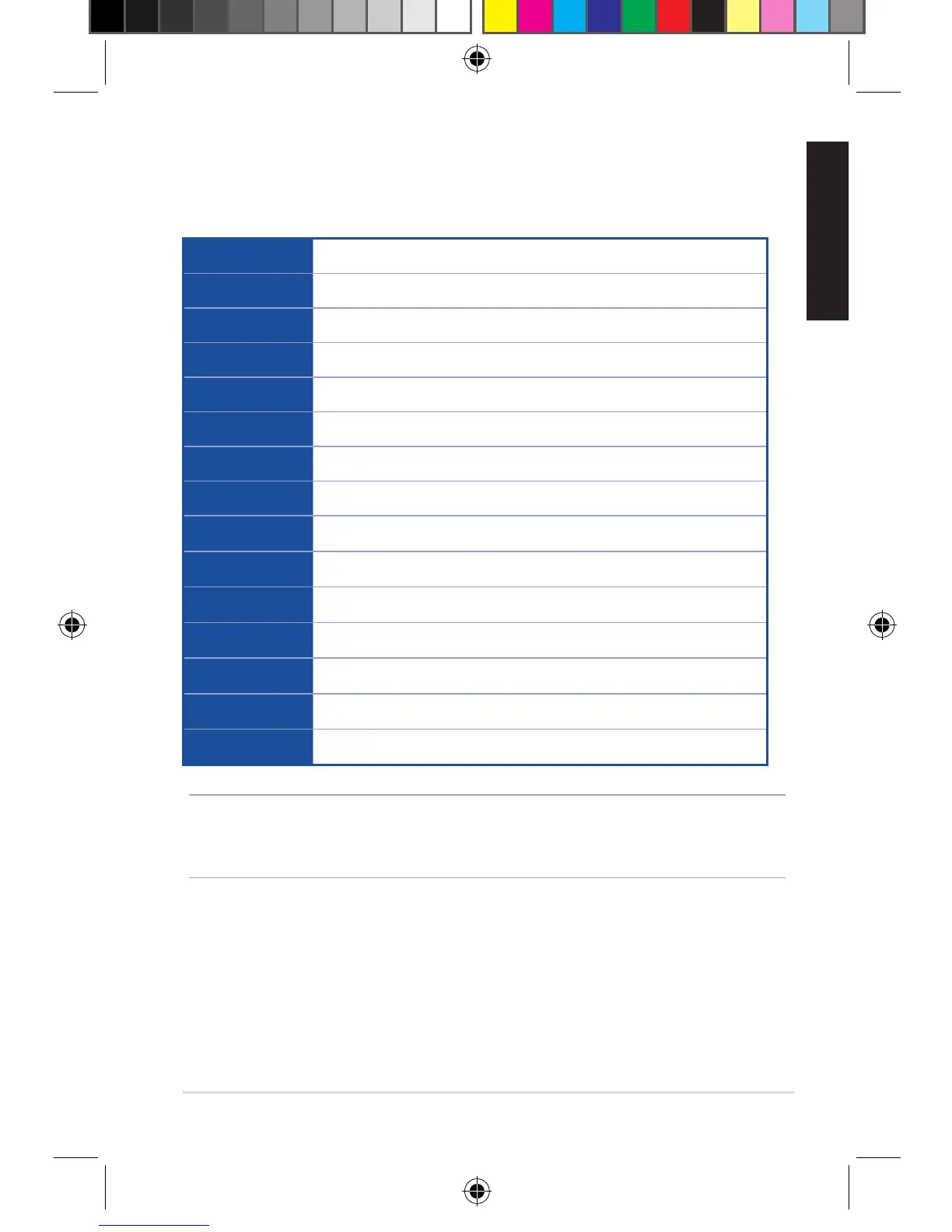
Combinethe[FN]keyandsomekeystoquicklyaccessyourmails,les,
andotherfunctionsonyourcomputer.
[FN] + [F1] LaunchMediaPlayer
[FN] + [F2] Volumedown
[FN] + [F3] Volumeup
[FN] + [F4] Mute
[FN] + [F5] Stop
[FN] + [F6] Previous
[FN] + [F7] Play/Pause
[FN] + [F8] Next
[FN] + [F9] LaunchMail
[FN] + [F10] Launchthewebbrowser
[FN] + [F11] Lockthekeyboard
[FN] + [F12] Launchthecalculator
[FN] + [Q] LaunchtheRapidremode(repeatingkeystrokes)
[FN] + [Tab] TransferW/A/S/Dkeystoarrowkeys
[FN] + [Win] DisabletheWindowskey
NOTE:OnceyoudisconnectthegamingkeyboardfromtheUSBport
ofyourcomputer,[FN]+[F11],[FN]+[Q],[FN]+[Tab],and[FN]+[Win]
functionkeyswillberesettofactorydefaults.
Using the Macro, Swap, and Rapid fire modes
Macro mode
Congurethefunctionkeys(F1~F12)asmacrokeystoconvenientlylaunch
frequently-usedappsorkeycombinations,andperformrepetitivetasksor
actionswithasinglekeystroke.
E11609_Cerberus_Gaming_Keyboard_UM_V3.indd 5 2016-04-12 17:45:20


 To Next Page