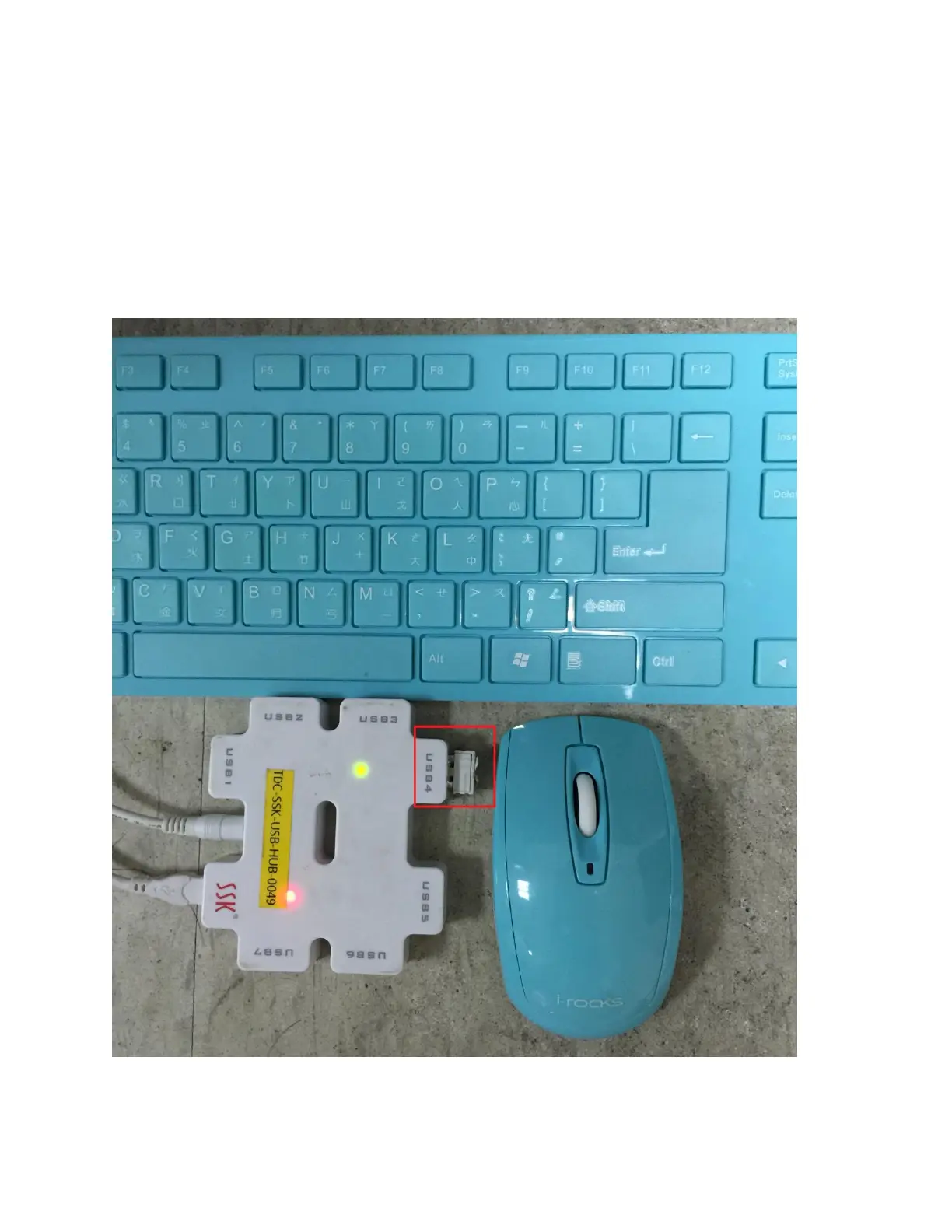
Plug the wireless receiver in the port in USB Hub and turn on the switch in a wireless keyboard and mouse, then you can use them
together.
Noted: If you plug too many devices into USB Hub, please make sure that your USB Hub is connecting to power supply. If not, it
might lead to the insignificancy of power supply.
Noted: The standard current USB 2.0 supports is about 500mA, if the current of loading is more than 400mA, it's necessary to
connect USB Hub to power supply.
Noted: The location of the receiver might affect the signal quality if you use wireless devices.


 To Next Page