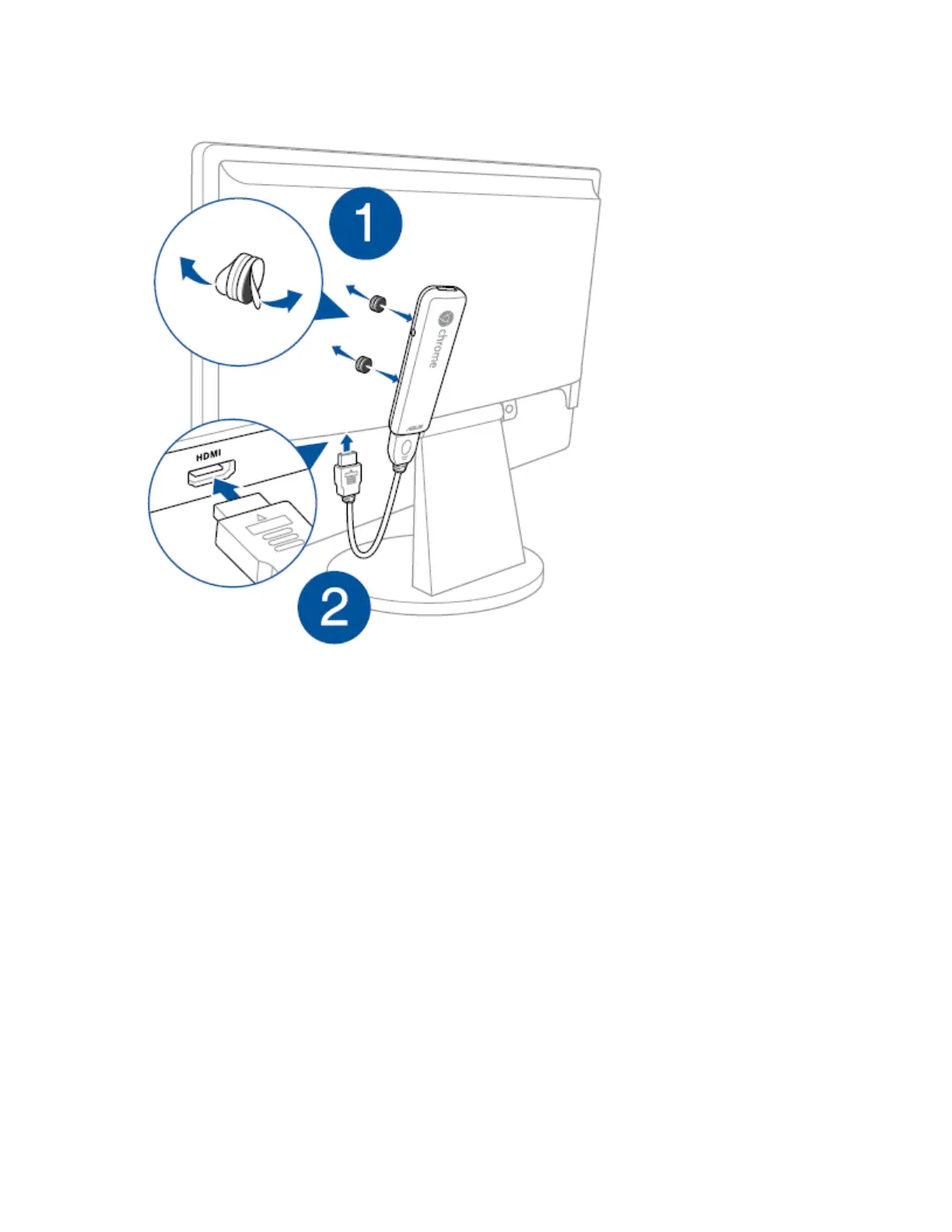
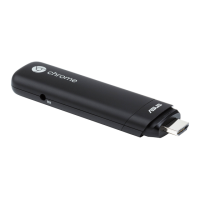
3. Connect the power adapter into a power source, and then connect the power connector
into your Chromebit. Peel off the other side of the coverings of the hook and loop sticker set,
stick it to an appropriate position.
Noted: The hook and loop sticker set might be less sticky due to reuse, so it's better to
measure a place for sticking to avoid the situation that the length of extension cable is less
than the distance between your Chromebit and monitor after you fixed the Chromebit.


 To Next Page