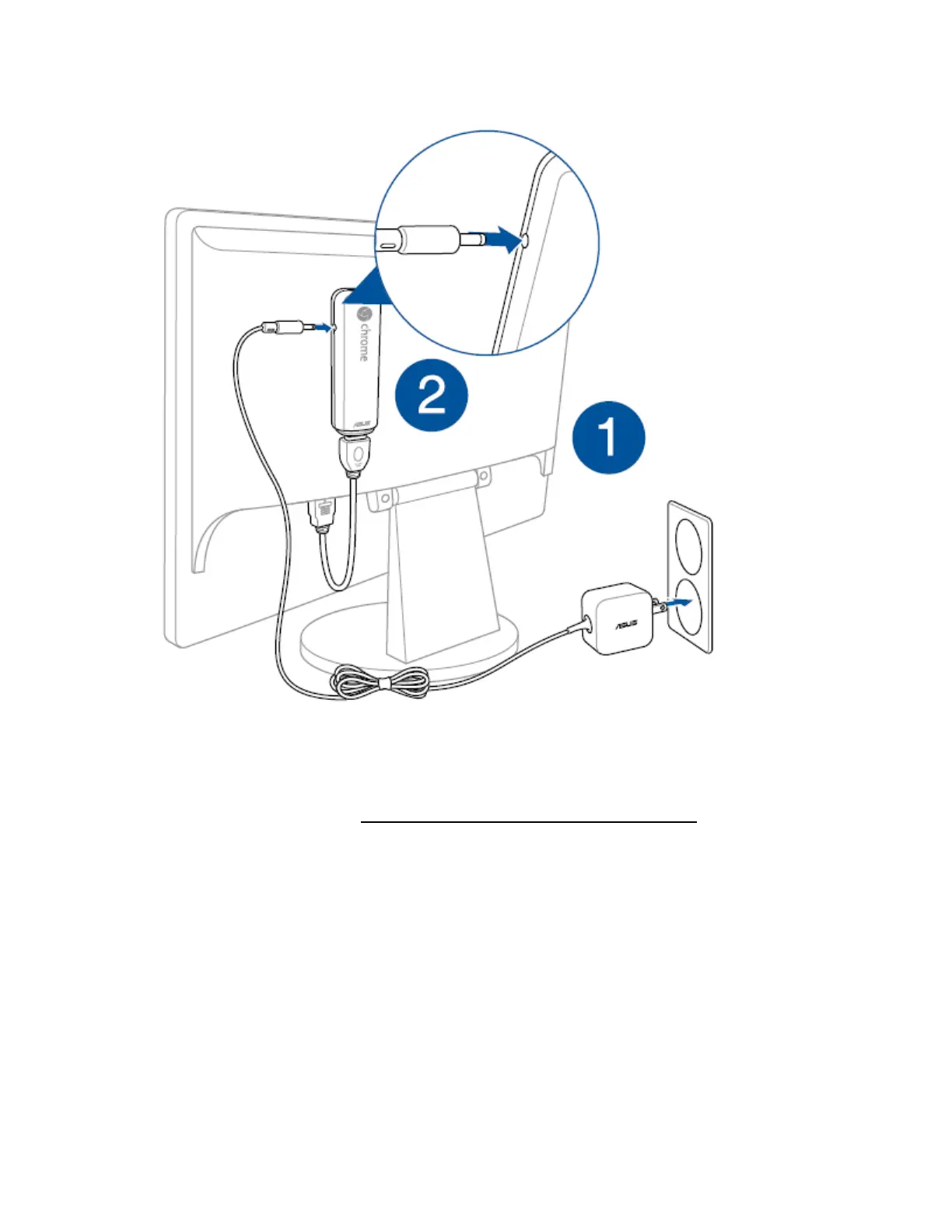
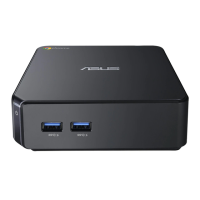
4. Connect your keyboard and mouse.
For more details please refer to: How to use keyboard & mouse in Chromebit
How to change Font size in Chrome OS?
To change Font size in Chrome OS, please refer to the below steps:
Step1: Put the mouse in right-bottom corner of the desktop, and click, then tap "Settings".


 To Next Page