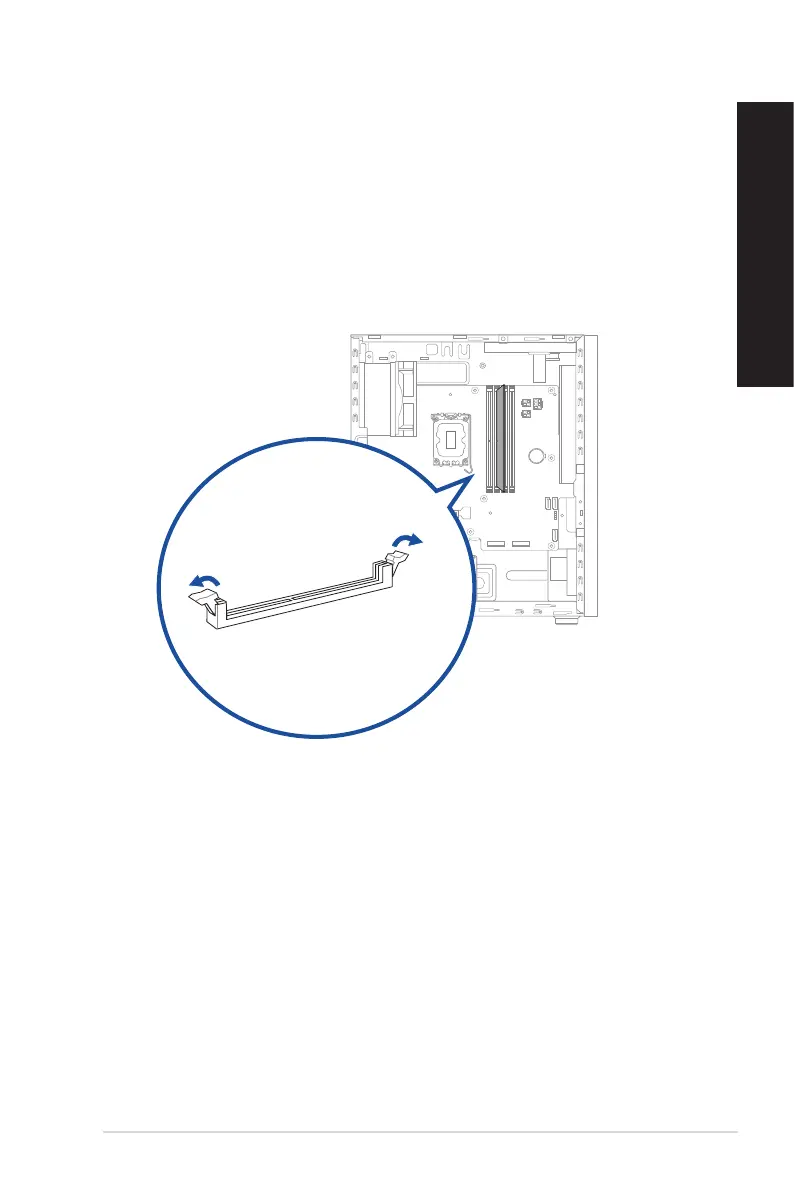
Installing memory in your computer
To install memory in your computer:
1. Turn o your computer.
2. Unplug all cables from your computer.
3. Open your computer case.
4. Remove the graphics card.
5. Locate an empty DIMM socket.
6. Press down and outward on the DIMM ejector(s) to unlock the DIMM socket.
ASUS Desktop PC 31
ENGLISH
ENGLISH



 To Next Page