16
E420
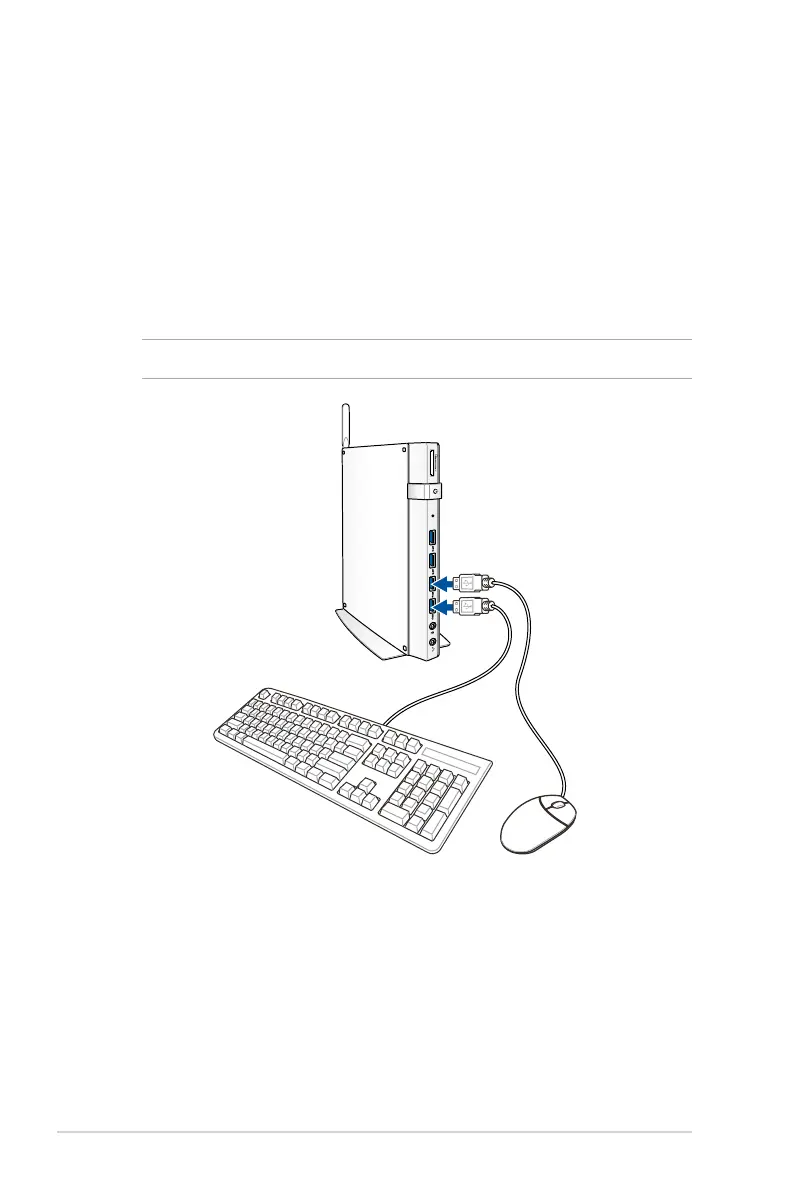
Connect the USB cable from keyboard or mouse
You can connect generally any USB keyboard and mouse to your
PC. You can also connect a USB dongle for a wireless keyboard and
mouse set.
To connect a keyboard and mouse to your VivoMini:
Connect the USB cable from your keyboard and mouse to any of the
USB ports of your PC.
NOTE: The keyboard varies with country or region.
X


 To Next Page