A-6
Notebook PC User Manual
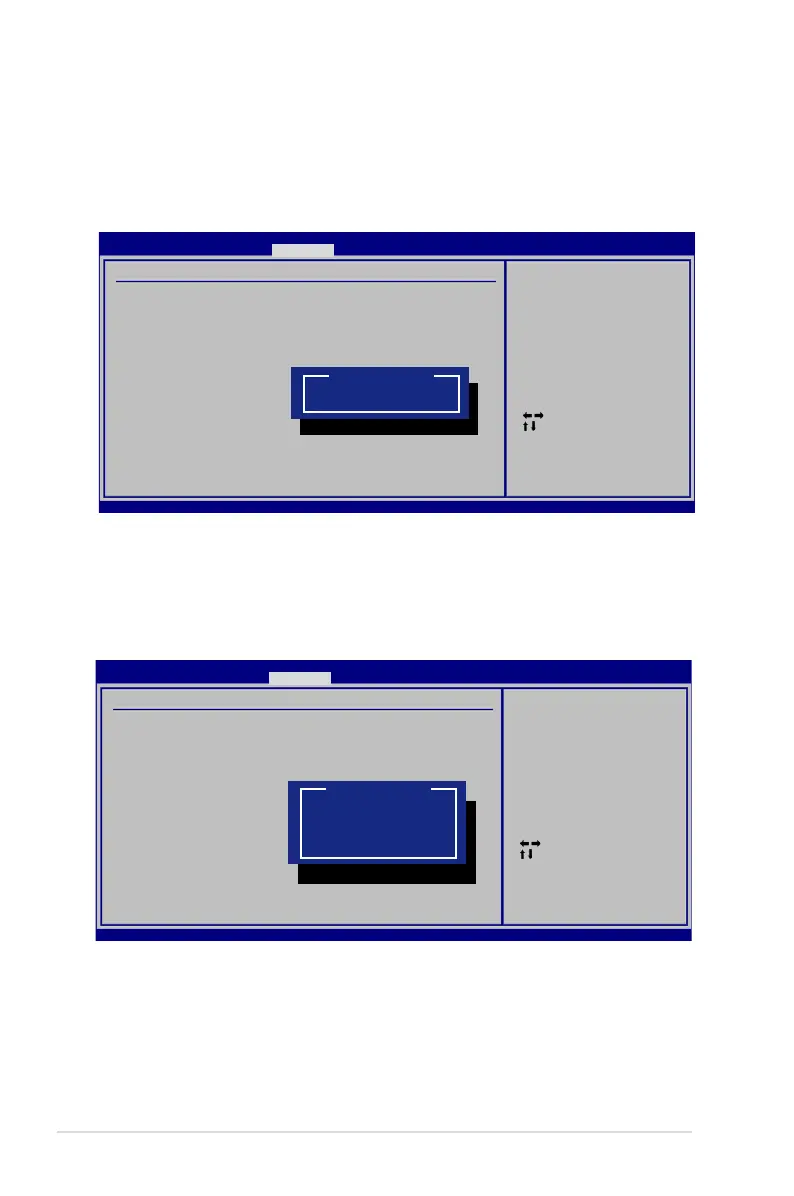
Password Check
Select whether to ask for a password during bootup (Always) or only
when entering the BIOS setup utility (Setup).
Select Screen
Select Item
Enter Change
F1 General Help
F10 Save and Exit
ESC Exit
v02.59 (C)Copyright 1985-2005, American Megatrends, Inc.
BIOS SETUP UTILITY
Security Security
Security Settings
Supervisor Password : Installed
User Password : Installed
Change Supervisor Password
User Access Level [Full Access]
Change User Password
Clear User Password
Password Check [Setup]
Setup: Check password
while invoking setup.
Always: Check password
while invoking setup
as well as on each
boot.
Options
Always
Setup
Select the level of access to allow the “User Password” to have in the
BIOS setup utility.
User Access Level
Select Screen
Select Item
Enter Change
F1 General Help
F10 Save and Exit
ESC Exit
v02.59 (C)Copyright 1985-2005, American Megatrends, Inc.
BIOS SETUP UTILITY
Security
Security Settings
Supervisor Password : Installed
User Password : Installed
Change Supervisor Password
User Access Level [Full Access]
Change User Password
Clear User Password
Password Check [Setup]
Setup: Check password
while invoking setup.
Always: Check password
while invoking setup
as well as on each
boot.
Options
No Access
View Only
Limited
Full Access



 To Next Page