ASUS Eee PC
2-5
Desktop
There are several shortcuts on the desktop. Double-click them to launch
the corresponding applications and enter the specified folders. Some
applications would form minimized icons in the Notification area.
The actual Desktop screen may vary according to different models.
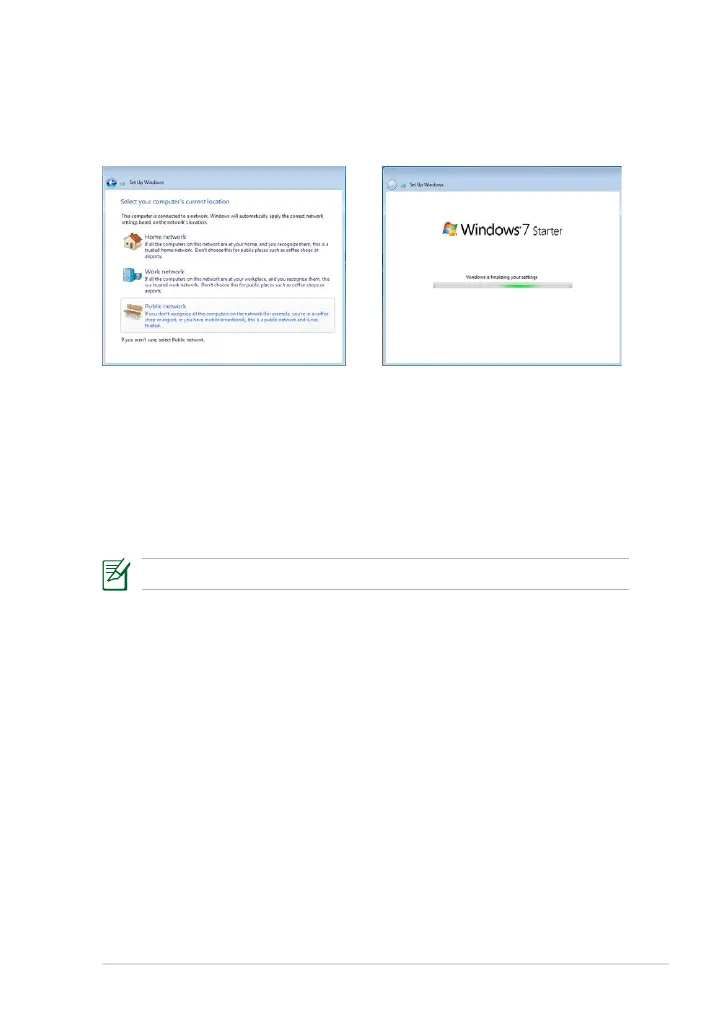
9. Select the network's location.
Click Next to continue.
10. The initialization is finished.













 To Next Page