Software Specification
6-11
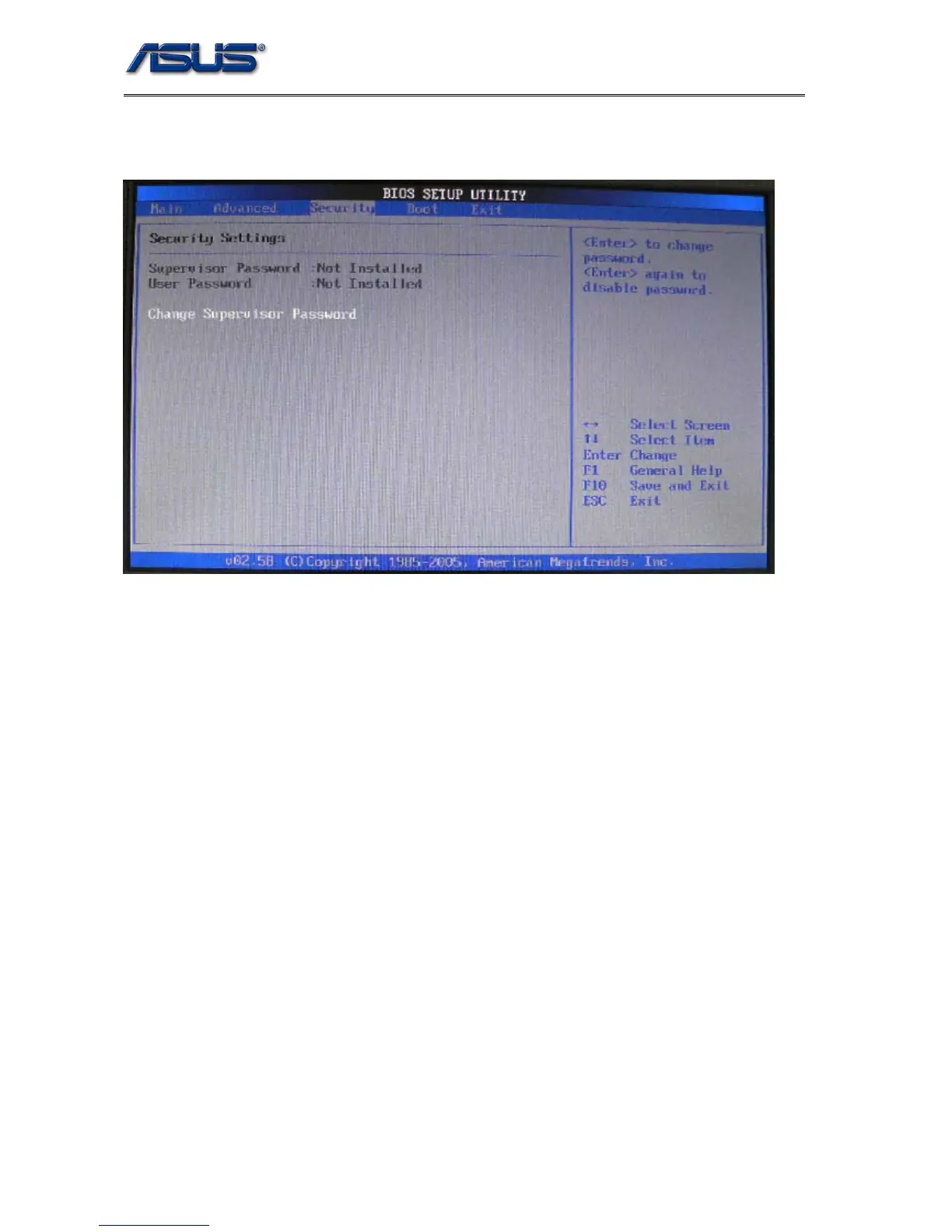
5.3 Security Menu
701 BIOS supports three kinds of password for security protection:
1. Supervisor Password: Users may set, change or erase system password, the password data
is saved in non-volatile device (CMOS), system password check is done during POST(Power
On Self Test). The BIOS will prompt a dialog message to ask user for password check when:
The system has password stored, and “Password on boot” setting in BIOS SETUP is enabled.
If password verification fails for 3 times, the system BIOS will halt the machine to inhibit users
from operating.
User can modify all setup item if user use Supervisor password to enter setup.
2. User Password: If your setting of BIOS have been modified by other, You can setting the
function [Enable], and Key in your password and confirm, Don’t modify BIOS setting if no
password.
User is just able to modify some of setup item if user use user password to enter setup












 To Next Page