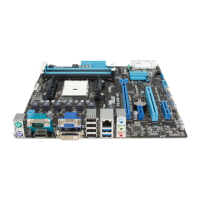
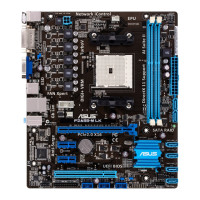
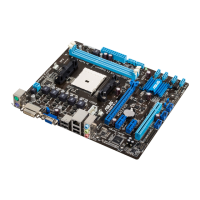
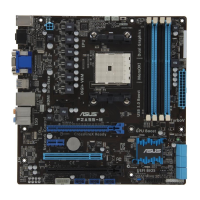
F2A85-M PRO
1-27
Chapter 1
Chapter 1
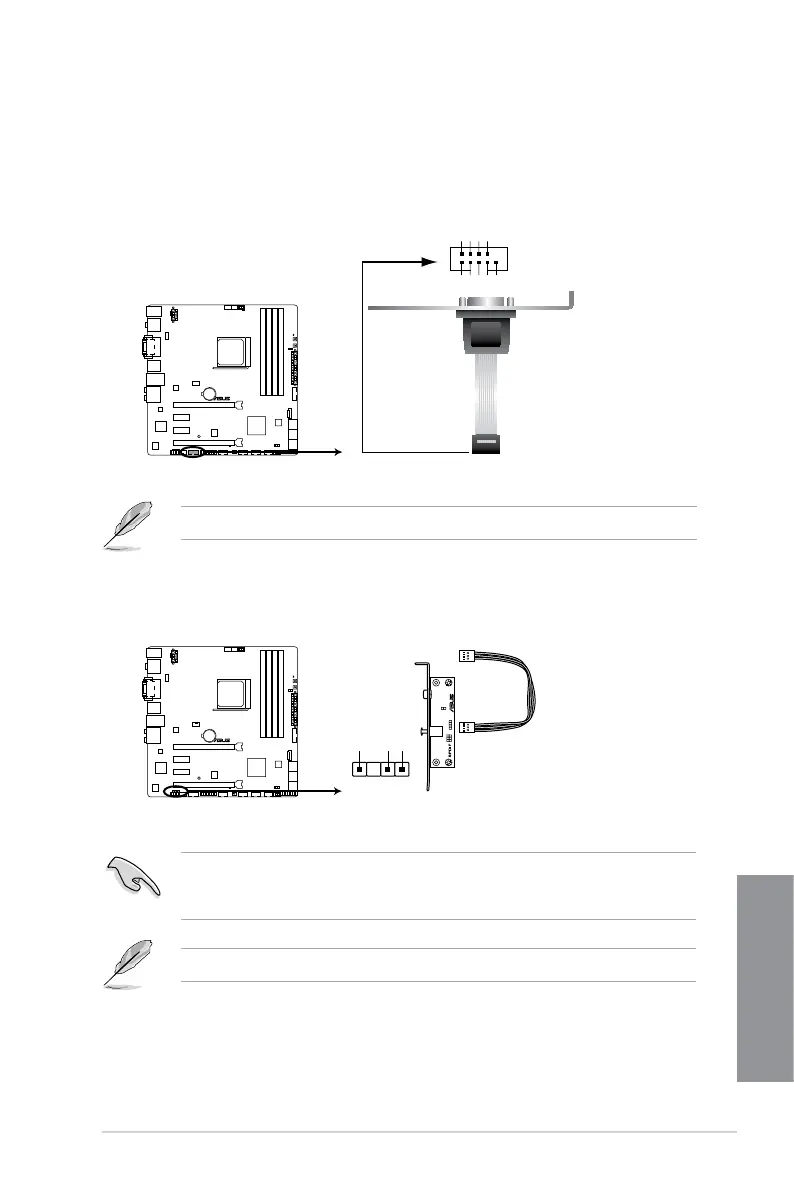
4. Serial port connector (10-1 pin COM1)
This connector is for a serial (COM) port. Connect the serial port module cable to this
connector, then install the module to a slot opening at the back of the system chassis.
The COM module is purchased separately.
5. Digital audio connector (4-1 pin SPDIF_OUT)
This connector is for an additional Sony/Philips Digital Interface (S/PDIF) port.
Ensure that the audio device of Sound playback is Realtek High Denition Audio (the
name may be different based on the OS). Go to Start > Control Panel > Sounds and
Audio Devices > Sound Playback to congure the setting.
The S/PDIF module is purchased separately.
F2A85-M PRO
F2A85-M PRO Serial port (COM1) connector
PIN 1
COM1
DCD
TXD
GND
RTS
RI
RXD
DTR
DSR
CTS
SPDIF_OUT
+5V
SPDIFOUT
GND
F2A85-M PRO
F2A85-M PRO Digital audio connector



 To Next Page