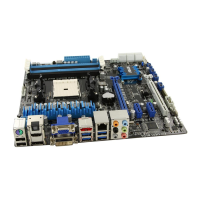
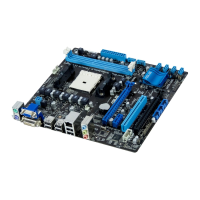
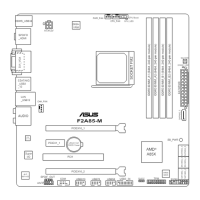
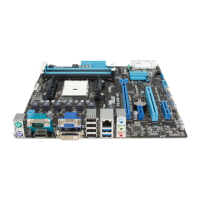
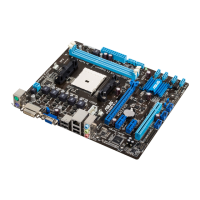
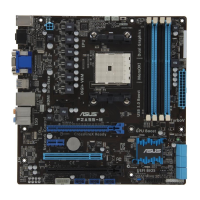
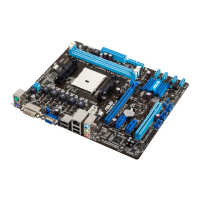
ASUS F2A85-M PRO
3-25
Chapter 3
Launch PXE OpROM policy [DO NOT launch]
Conguration option: [DO not launch] [Legacy rst] [UEFI rst]
Launch Storage OpROM policy [Legacy only]
Conguration option: [DO not launch] [Both, Legacy rst] [Both, UEFI rst] [Legacy rst]
[UEFI rst]
Other device ROM priority [Legacy first]
Conguration option: [UEFI rst] [Legacy rst]
3.7.10 Security Boot parameters
This option allows you to congure the Security Boot parameters.
OS Type [Other Lega...]
Conguration option: [Windows 8 UEFI] [Other Legacy & UEFI]
Secure Boot Mode [Standard]
This item appears only when you set the OS Type to [Windows 8 UEFI]. Conguration
option: [Standard] [Custom]
The following items appear when Secure Boot Mode is set to [Custom].
Image Execution Policy
Internal FV [Always Execute]
Conguration options: [Always Execute]
Option ROM [Deny Execute]
Conguration options: [Always Execute] [Always Deny] [Allow Execute]
[Defer Execute] [Deny Execute] [Query Execute]
Removable Media [Deny Execute]
Conguration options: [Always Execute] [Always Deny] [Allow Execute]
[Defer Execute] [Deny Execute] [Query Execute]
Fix Media [Deny Execute]
Conguration options: [Always Execute] [Always Deny] [Allow Execute]
[Defer Execute] [Deny Execute] [Query Execute]
Key Management
Default Key Provisioning [Disabled]
Conguration options: [Enabled] [Disabled]
Install default Secure Boot Keys
Conguration options: [Yes] [No]
Set PK from File
Conguration options: [Acpi (a0341d0, 0)\PCI (1212)\USB (2, 0)\]
Get PK to File
Conguration options: [OK]
Delete the PK
Conguration options: [Yes] [No]
Set KEK from File
Conguration options: [OK]
Get KEK to File
Conguration options: [OK]



 To Next Page