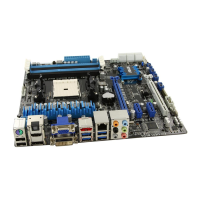
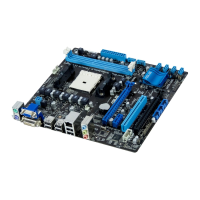
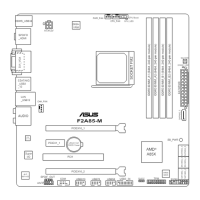
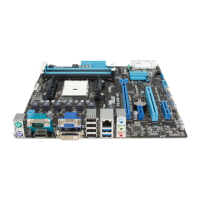
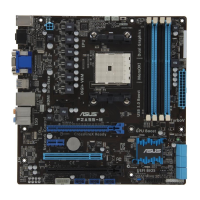
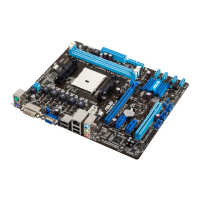
ASUS F2A85-M PRO
3-17
Chapter 3
Integrated Graphics [Auto]
Enables the integrated graphics controller. Conguration options: [Auto] [Force]
UMA Frame Buffer Size [Auto]
This item appears only when you set the previous item to [Force]. Conguration options:
[Auto] [32M] [64M] [128M] [256M] [512M] [1G] [2G]
HDMI/DVI Port Output [Auto]
Sets the HDMI/DVI port output type. Conguration options: [Auto] [HDMI] [DVI]
PCIEX16_1 [Auto]
Conguration options: [Auto] [Force X16] [Force X8]
3.5.5 Onboard Devices Conguration
HD Audio Device [Enabled]
[Enabled] Enables the High Denition Audio Controller.
[Disabled] Disables the controller.
The following two items appear only when you set the HD Audio Device item to [Enabled].
Front Panel Type [HD]
Allows you to set the front panel audio connector (AAFP) mode to legacy AC’97 or high-
denition audio depending on the audio standard that the front panel audio module supports.
[HD] Sets the front panel audio connector (AAFP) mode to high denition audio.
[AC97] Sets the front panel audio connector (AAFP) mode to legacy AC’97.
SPDIF Out Type [SPDIF]
[SPDIF] Sets to [SPDIF] for SPDIF audio output.
[HDMI] Sets to [HDMI] for HDMI audio output.
Realtek LAN Controller [Enabled]
[Enabled] Enables the Realtek LAN controller.
[Disabled] Disables the controller.
Realtek PXE OPROM [Disabled]
This item appears only when you set the Realtek LAN Controller item to [Enabled] and allows
you to enable or disable the Rom Help of the Realtek LAN controller.
Conguration options: [Enabled] [Disabled]
Asmedia USB 3.0 Controller [Enabled]
[Enabled] Enables the onboard USB 3.0 controller.
[Disabled] Disables the controller.



 To Next Page