65
Appendix A
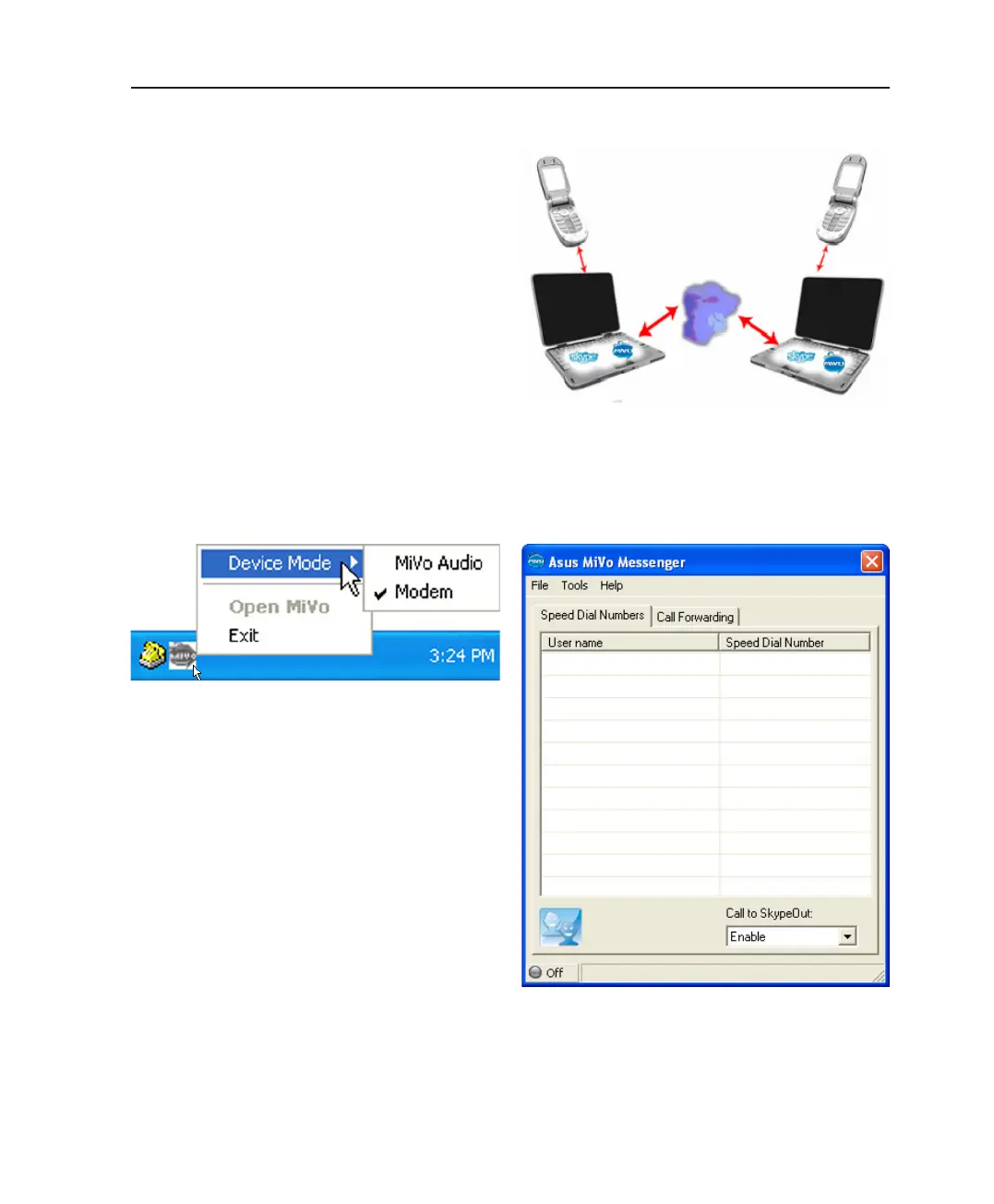
ASUS MiVo Messenger Modem Supported features
• Forwarding Skype calls to a regular or cellular
phone
• Calling Skype buddy from any remote PSTN
phone through the modem hardware
• Calling using SkypeOut feature of Skype Mes-
senger from any remote PSTN phone through the
modem hardware. You need the Skype Credit to
make a call using this feature.
• Contact management and synchronization with
Skype buddy list
• Selective call-forwarding blocking
• Keeping event logs
• Authentication with password and/or Caller ID
Type I for incoming calls
• Voice menu for incoming calls
Right-click or left-click the ASUS MiVo icon on the taskbar to
select the device mode.
The ASUS MiVo Messenger application interface provides all
the features you need to use the Notebook PC as a modern
communication center.
ASUS MiVo Taskbar Icon ASUS MiVo Messenger Interface



 To Next Page