EasyManua.ls Logo

Asus G20CB - User Manual

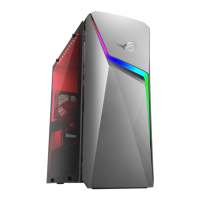
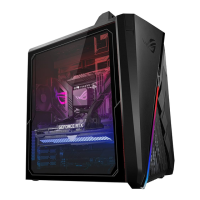
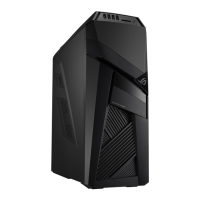
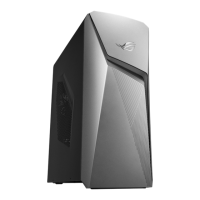
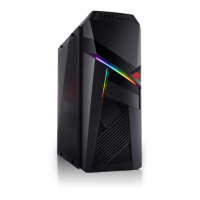
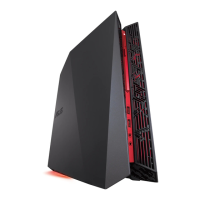
Asus G20CB
50 pages
Print Icon
To Next Page IconTo Next Page
Loading...
Desktop PC
G20CB
User Guide

Questions and Answers

  • M
    Marvin MeyersSep 3, 2025
    Why does my Asus Desktop system often hang or freeze?
    • H
      henryandrewsSep 3, 2025
      Move your computer to an area with better air flow. Reinstall the OS and reinstall compatible softwares. Remove the extra memory modules that you have installed, then try again. Replace with compatible memory modules.
  • W
    William AllenSep 1, 2025
    What to do if my Asus G20CB Desktop computer hangs?
    • R
      Robin ArellanoSep 1, 2025
      Simultaneously press the + + keys on the keyboard, then click Task Manager. Select the program that is not responding, then click End Task. If the keyboard is not responding, press and hold the Power button on the top of your chassis until the computer shuts down, then press the Power button to turn it on.
  • H
    hrichardAug 31, 2025
    How to improve slow system speed on my Asus Desktop?
    • G
      ghinesAug 31, 2025
      Close some of the running programs to free up system resources. Also, use an anti-virus software to scan for viruses and repair your computer. Reinstalling the operating system can be considered.
  • T
    Teresa HinesAug 29, 2025
    Why do my speakers produce no sound on my Asus G20CB?
    • K
      Kimberly CraneAug 29, 2025
      Make sure your speakers are connected to the Line out port (lime) on the front or rear panel, and that they are connected to an electrical source and turned on. Adjust the speaker's volume and ensure that your computer's system sounds are not muted. If muted, enable the system sounds from the Windows notification area. If not muted, adjust the volume slider. You can connect your speakers to another computer to test if the speakers are working properly.
  • T
    Taylor JohnstonAug 27, 2025
    How to fix 'Cannot access the Internet' on my Asus Desktop?
    • M
      Mrs. Jessica Todd MDAug 27, 2025
      Check that the LAN cable is connected to your computer. If it is, ensure the LAN LED is on; if not, try another LAN cable. Also, verify that your computer is properly connected to a router or hub. You may also need to contact your Internet Service Provider (ISP) for the correct LAN settings. Additionally, try closing the anti-virus software or reinstalling the LAN driver.
  • K
    kyle98Aug 26, 2025
    What to do if I cannot connect to a wireless network using the ASUS WLAN Card on my Asus Desktop?
    • R
      Rebecca MorrisAug 26, 2025
      Ensure that you enter the correct network security key for the wireless network you want to connect to. Connect the external antennas (optional) to the antenna connectors on the ASUS WLAN Card and place the antennas on the top of your computer chassis for the best wireless performance.
  • L
    Lauren JenkinsAug 25, 2025
    What to do if there is no display output on my Asus G20CB after turning it on?
    • R
      Robert DeckerAug 25, 2025
      Connect the signal cable to the correct display port (onboard VGA or discrete VGA port). Try connecting to another monitor.
  • G
    garciazacharyAug 22, 2025
    What to do if my Asus G20CB Desktop has no power?
    • P
      Paul HarrisAug 23, 2025
      Set your computer's power voltage switch to your area's power requirements. Ensure that your computer is turned on by pressing the power key on the front panel. Check that the power cord is properly connected and try using another compatible power cord.

Summary

Chapter 1: Getting Started

Welcome and Getting to Know Your Computer

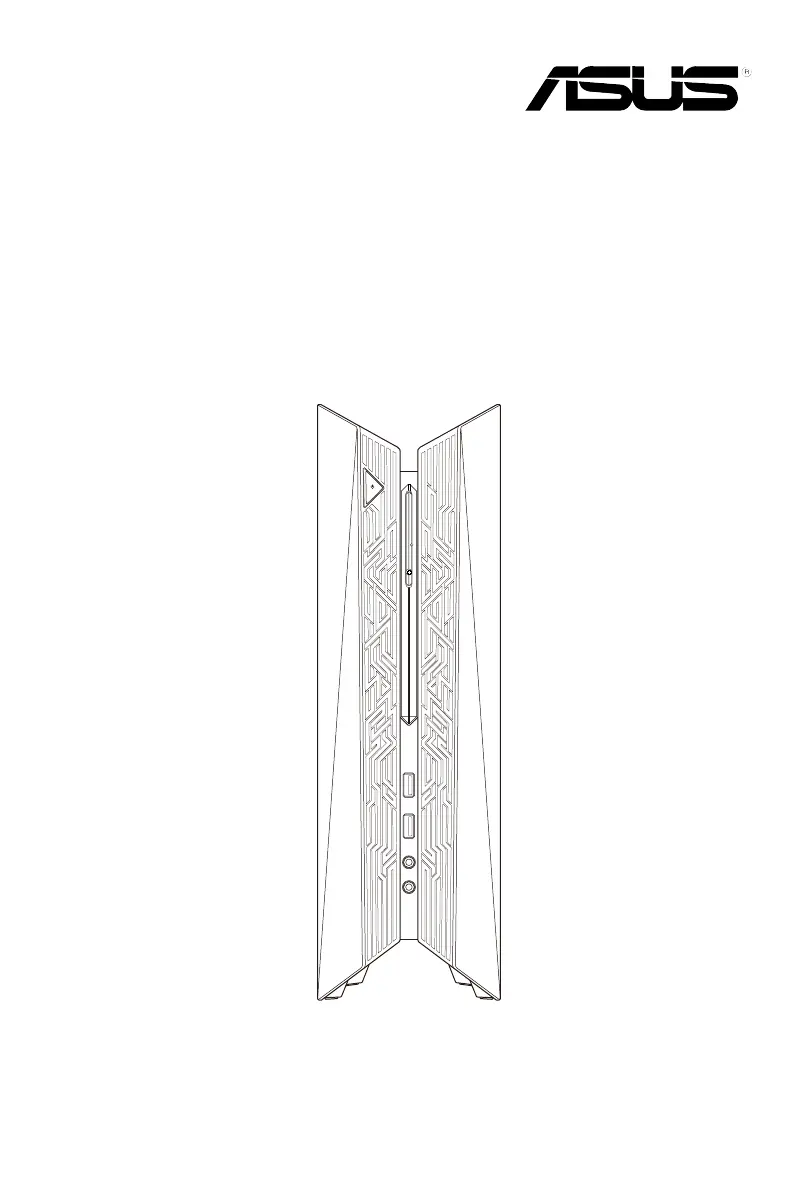
Welcome message, computer overview, and getting to know the computer's features and ports.

Notices and Resources

Safety Information

General safety precautions, battery handling, and hazardous moving parts warnings.

Hardware Overview and Setup

Front Panel Ports and Controls

Identifies and describes buttons, ports, and LEDs on the front panel.

Initial Computer Setup

Guides on connecting external peripherals and powering on the computer.

Chapter 2: Connecting Devices

Chapter 4: Connecting to the Internet

Chapter 5: Troubleshooting

Power and Display Issues

Solutions for power-related problems and no display output on the monitor.

System and CPU Issues

Solutions for slow system speed, hangs, freezes, and noisy CPU fans.

Asus G20CB Specifications

General IconGeneral
ChipsetIntel H170
Weight6.38 kg
Processor6th Generation Intel Core i7/i5/i3
GraphicsNVIDIA GeForce GTX 980
MemoryUp to 32GB DDR4
Storage512GB SSD + 1TB HDD
Operating SystemWindows 10 Home
AudioSupremeFX Audio
Networking802.11ac Wi-Fi, Bluetooth 4.0, Gigabit LAN
Dimensions104 x 340 x 358 mm

Related product manuals