Connecting a USB storage device
This desktop PC provides USB 3.2 gen2x2 Type-C®, USB 3.2 gen2 Type-C®, USB 3.2 gen2, USB 3.2
gen1 and USB 2.0 ports on the front and rear panels. The USB ports allow you to connect USB
devices such as storage devices.
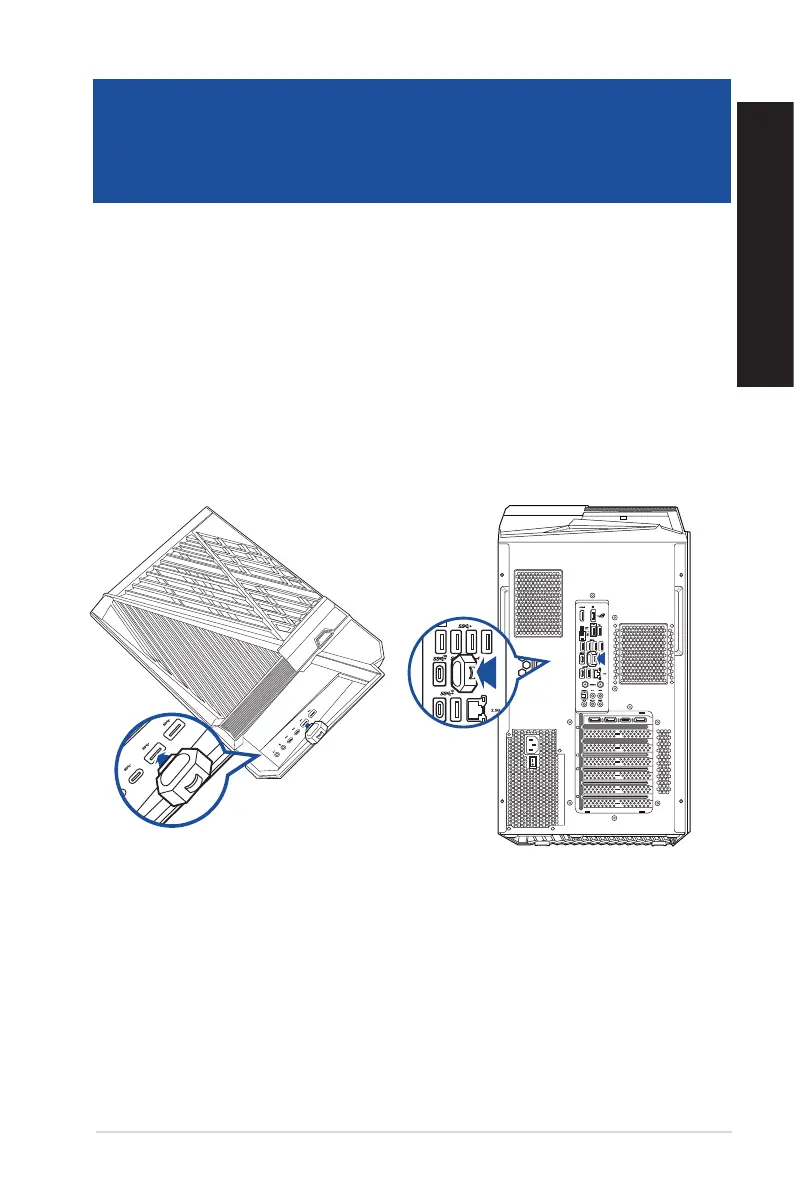
To connect a USB storage device:
• Insert the USB storage device to your computer.
Top panel
Rear panel
ASUS Desktop PC 27
ENGLISH
ENGLISH
Chapter 2
Connecting devices to your computer


 To Next Page