EasyManua.ls Logo

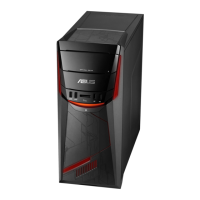
Asus GL12CS - User Manual

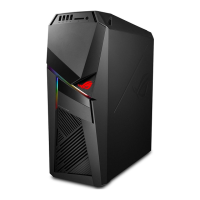
Asus GL12CS
52 pages
Print Icon
To Next Page IconTo Next Page
Loading...
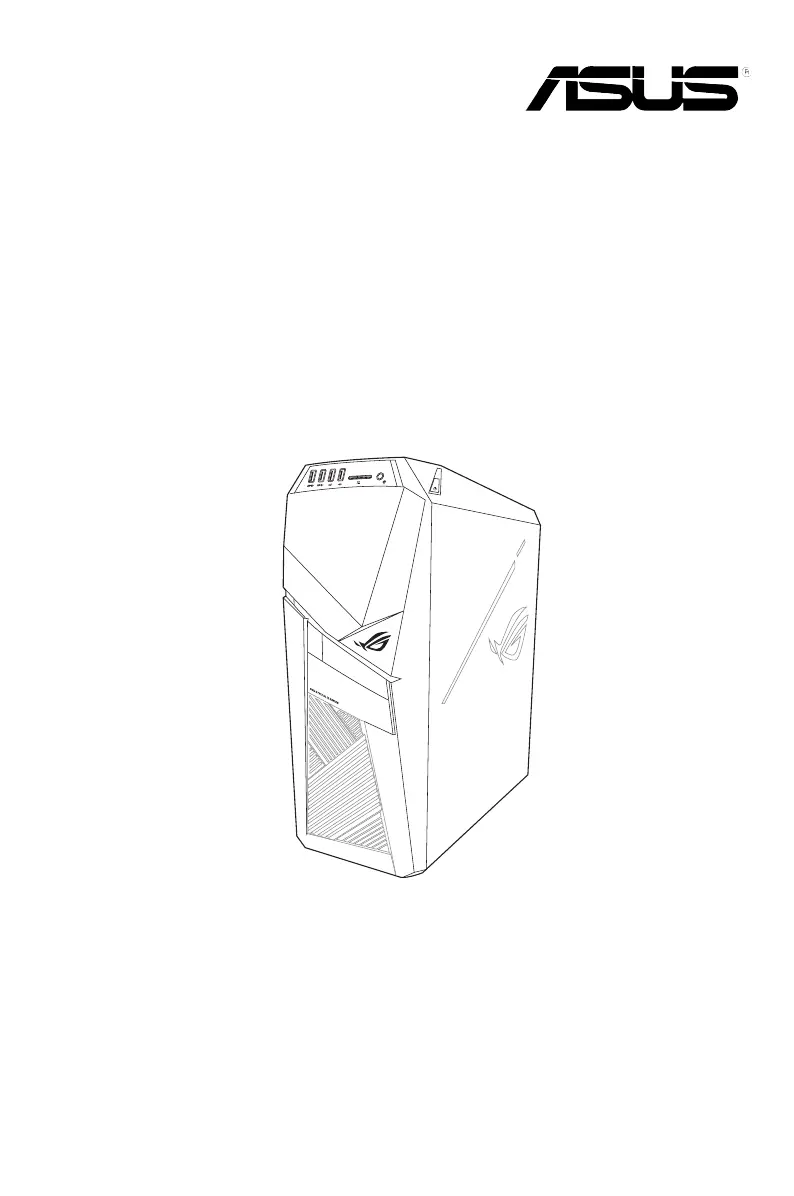
Desktop PC
GL12CP/GL12CS
User Guide

Questions and Answers

  • J
    John NunezAug 20, 2025
    What to do if my Asus Desktop computer cannot be powered on?
    • J
      Jennifer FullerAug 20, 2025
      First, ensure that your Asus Desktop is properly connected to a functioning wall outlet. Also, verify that the Power Supply Unit is switched on.
  • A
    Alexander EdwardsAug 22, 2025
    What to do if my Asus GL12CS Desktop computer hangs?
    • K
      kristin86Aug 22, 2025
      If your Asus Desktop computer hangs, try pressing the + + keys simultaneously and then click Task Manager. If the keyboard is unresponsive, press and hold the Power button until the computer shuts down. Then, press the Power button again to turn it back on.
  • J
    Jackie ThomasAug 25, 2025
    Why is my Asus Desktop system speed too slow?
    • O
      osbornealexAug 25, 2025
      To improve the speed of your Asus Desktop system, try closing some of the programs that are running. Also, use an anti-virus software to scan for viruses and repair your computer. As a last resort, reinstall the operating system.
  • C
    Corey RubioAug 26, 2025
    What to do if I cannot access the Internet on my Asus GL12CS?
    • V
      Victoria HansenAug 26, 2025
      First, connect the LAN cable to your Asus Desktop computer. Ensure the LAN LED is on; if not, try another LAN cable. Make sure your computer is properly connected to a router or hub. You may also need to contact your Internet Service Provider (ISP) for the correct LAN settings, close the anti-virus software, or reinstall the LAN driver.
  • J
    Jennifer CruzAug 27, 2025
    Why is there no display on my Asus GL12CS Desktop monitor?
    • D
      Daniel WagnerAug 27, 2025
      First, check that the monitor is powered on and properly connected to the video output port on your Asus Desktop computer. If your computer has a discrete graphics card, make sure the monitor is connected to a video output port on that card. Inspect the monitor video connector for any bent pins, and replace the cable if necessary. Finally, verify that the monitor is properly plugged into a power source.
  • C
    cthomasAug 29, 2025
    What to do if my Asus GL12CS computer cannot detect my USB storage device?
    • J
      Jordan SimmonsAug 29, 2025
      When you connect a USB storage device to your Asus Desktop for the first time, Windows automatically installs a driver for it. Wait a moment, then check in My Computer to see if the device is detected. If it is still not detected, try connecting the USB storage device to another computer to see if the device is broken.
  • D
    Daniel CochranAug 31, 2025
    How to restore my Asus Desktop system settings without affecting personal files?
    • M
      Melissa MartinezAug 31, 2025
      You can use the Windows 10 'Refresh your PC without affecting your files' recovery option to restore or undo changes to your Asus Desktop computer’s system settings without affecting your personal data. To use this option, click Settings > Update & recovery > Recovery from the Start menu, select 'Refresh your PC without affecting your files', and click 'Get started'.
  • A
    Amanda HawkinsSep 2, 2025
    Why is my Asus GL12CS computer too noisy when in use?
    • W
      wsimpsonSep 2, 2025
      Make sure you're using a compatible or ASUS-recommended CPU fan. Also, ensure that your computer is in an area with good airflow. Consider updating the BIOS. If you're comfortable with it, try cleaning the inside of the chassis. If problems persist, contact the ASUS Service Center.
  • H
    Henry Carrillo DVMSep 4, 2025
    Why do my Asus GL12CS Desktop speakers produce no sound?
    • L
      lindsay09Sep 4, 2025
      First, ensure that you connect your speakers to the Line out port (lime) on the front or rear panel. Check if your speakers are connected to an electrical source and turned on, and adjust the speaker volume. Also, make sure your computer’s system sounds are not muted. If it is muted, the volume icon is displayed as . To enable the system sounds, click from the Windows notification area, then click . If it is not muted, click and drag the slider to adjust the volume. Finally, connect your speakers to another computer to test if the speakers are working properly.
  • T
    Travis BuchananSep 6, 2025
    Why is the picture on my Asus Desktop HDTV distorted?
    • J
      Joseph OconnellSep 6, 2025
      The distortion is caused by the different resolutions of your monitor and your HDTV. Adjust the screen resolution to fit your HDTV. To change the screen resolution: From the Start menu, click Settings > System > Display.

Asus GL12CS Specifications

General IconGeneral
ChipsetIntel Z370
GraphicsNVIDIA GeForce GTX 1080
RAM16GB DDR4
Operating SystemWindows 10 Home
AudioSupremeFX S1220A
Power Supply500W
Storage1TB HDD
Networking802.11ac Wi-Fi

Related product manuals