EasyManua.ls Logo

Asus GL12CS - User Manual

Asus GL12CS
52 pages
Print Icon
To Next Page IconTo Next Page
Loading...
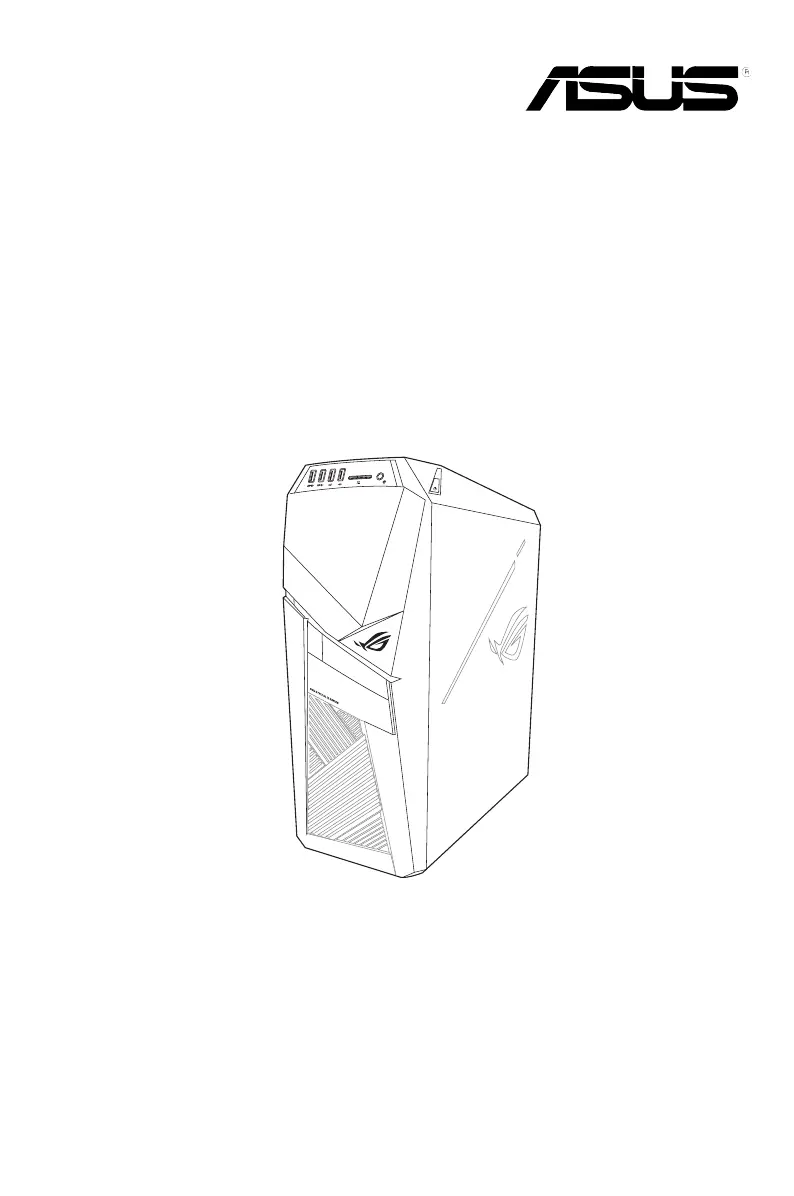
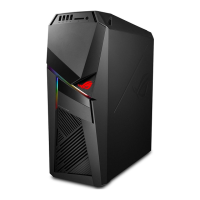
Desktop PC
GL12CP/GL12CS
User Guide

Questions and Answers

  • R
    richardmuellerSep 8, 2025
    What to do if my Asus GL12CS system often hangs or freezes?
    • J
      John FosterSep 8, 2025
      If your Asus Desktop system often hangs or freezes, send the damaged hard disk drive to ASUS Service Center for servicing, or replace it with a new hard disk drive. Replace with compatible memory modules, or remove the extra memory modules that you have installed, then try again. Move your computer to an area with better air flow, reinstall the OS, and reinstall compatible software.
  • M
    Marie OwensSep 10, 2025
    How to fix no audio on my Asus Desktop?
    • J
      John GutierrezSep 10, 2025
      Refer to your Asus Desktop computer’s user manual for the correct port. Disconnect and reconnect the speaker to your computer. Try using another speaker or headphone. Try both the front and back audio ports. If one port failed, check if the port is set to multi-channel. Reinstall the audio driver.
  • H
    Heidi ShawSep 12, 2025
    What to do if I cannot connect to a wireless network using the ASUS WLAN Card on my Asus GL12CS Desktop?
    • J
      Jennifer GarnerSep 12, 2025
      Ensure that you enter the correct network security key for the wireless network you want to connect to. Connect the external antennas (optional) to the antenna connectors on the ASUS WLAN Card and place the antennas on the top of your computer chassis for the best wireless performance.
  • L
    Leah PierceSep 13, 2025
    What to do if the DVD drive cannot read a disc on my Asus GL12CS?
    • J
      James GoodwinSep 14, 2025
      Check if the disc is placed with the label side facing up. Check if the disc is centered in the tray, especially for the discs with non-standard size or shape. Check if the disc is scratched or damaged.
  • M
    Mary MannSep 15, 2025
    What to do if when using multiple monitors, only one monitor has display on my Asus Desktop?
    • B
      Benjamin KeithSep 15, 2025
      Ensure that both monitors are powered on. During POST, only the monitor connected to the VGA port has display. The dual display function works only under Windows. When a graphics card is installed on your computer, ensure that you connect the monitors to the output port on the graphics card. Check if the multiple displays settings are correct.
  • B
    Barbara PierceSep 18, 2025
    What to do if the arrow keys on the number key pad are not working on my Asus GL12CS Desktop?
    • W
      Wayne SnyderSep 18, 2025
      Check if the Number Lock LED is off. When the Number Lock LED is on, the keys on the number key pad are used to input numbers only. Press the Number Lock key to turn the LED off if you want to use the arrow keys on the number key pad.

Asus GL12CS Specifications

General IconGeneral
ChipsetIntel Z370
GraphicsNVIDIA GeForce GTX 1080
RAM16GB DDR4
Operating SystemWindows 10 Home
AudioSupremeFX S1220A
Power Supply500W
Storage1TB HDD
Networking802.11ac Wi-Fi

Related product manuals