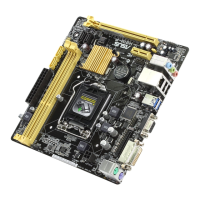
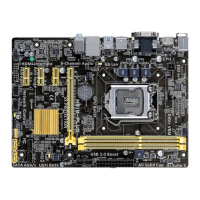
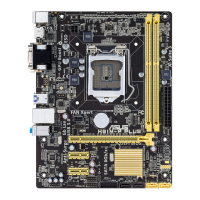
ASUS H87-PRO
3-9
Chapter 3
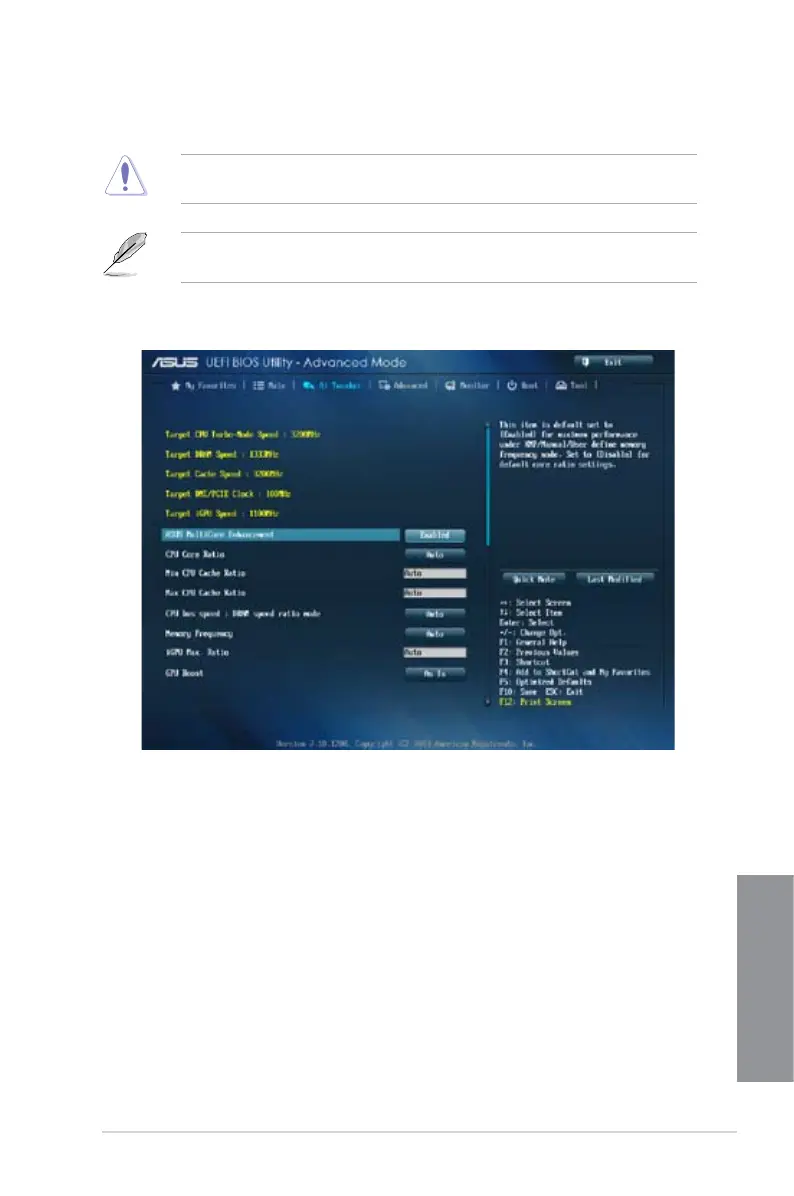
3.5 Ai Tweaker menu
The Ai Tweaker menu items allow you to congure overclocking-related items.
Be cautious when changing the settings of the Ai Tweaker menu items. Incorrect eld
values can cause the system to malfunction.
The conguration options for this section vary depending on the CPU and DIMM model you
installed on the motherboard.
Scroll down to display other BIOS items.
ASUS MultiCore Enhancement [Enabled]
[Enabled] Default set to [Enabled] for maximum performance under XMP/Manual/
User-dened memory frequency mode.
[Disabled] Allows you to set to default core ratio settings.
CPU Core Ratio [Auto]
Allows you to set the CPU ratio and sync automatically, per core or all cores. Conguration
options: [Auto] [Sync All Cores] [Per Core]
Min CPU Cache Ratio [Auto]
Allows you to set the uncore ratio of the processor to its possible minimum value.
Conguration options: [Auto] [1] - [30]


 To Next Page