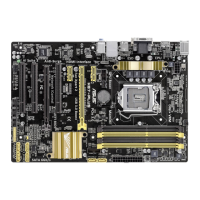
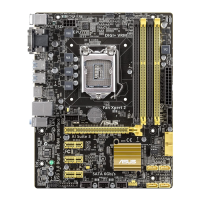
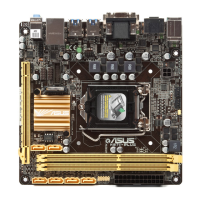
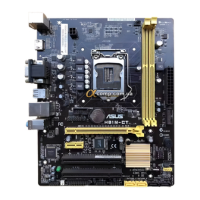
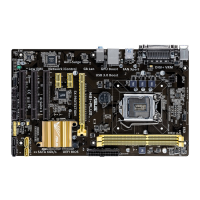
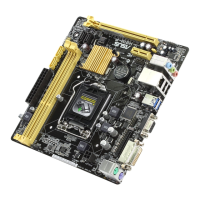
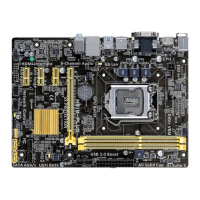
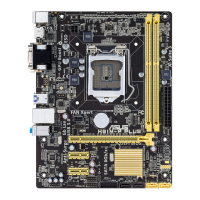
ASUS H87-PRO
3-25
Chapter 3
CPU Power Management Conguration
This item allows you to manage and congure the CPU’s power.
Enhanced Intel SpeedStep Technology [Enabled]
Allows your system to adjust the processor’s voltage and cores frequency, resulting in
decreased power consumption and heat production.
[Disabled] The CPU runs at its default speed.
[Enabled] The system controls the CPU speed.
Turbo Mode [Enabled]
Allows you to set the processor cores to run faster than the base frequency when
operating below power, current and temperature specication limit. Conguration
options: [Enabled] [Disabled]
CPU C States
Allows you to enable or disable the CPU C states. Conguration options: [Auto]
[Enabled] [Disabled]
The following items appear only when you set the CPU C States to [Enabled].
Enhanced C1 state [Enabled]
Allows your processor to reduce power when the system is in idle mode.
Conguration options: [Enabled] [Disabled]
CPU C3 Report [Enabled]
Allows you to disable or enable the CPU C3 report to the operating system.
Conguration options: [Enabled] [Disabled]
CPU C6 Report [Enabled]
Allows you to disable or enable the CPU C6 report to the operating system.
Conguration options: [Enabled] [Disabled]
C6 Latency [Short]
Allows you to set the duration of C6 latency for C6 state. Conguration
options: [Short] [Long]
CPU C7 Report [CPU C7s]
Allows you to disable or enable the CPU C7 report to the operating system.
Conguration options: [Disabled] [CPU C7] [CPU C7s]
C7 Latency [Long]
Allows you to set the duration of C7 latency for C7 state. Conguration
options: [Short] [Long]
Package C State Support [Auto]
Allows you to set the a C-state according to the following conguration
options: [Auto] [Enabled] [C0/C1] [C2] [C3] [C6] [CPU C7] [CPU C7s]


 To Next Page