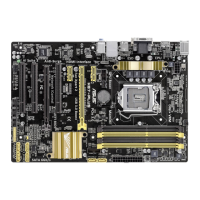
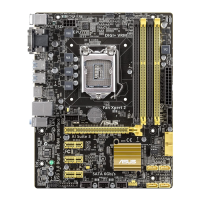
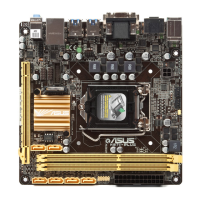
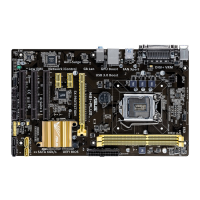
ASUS H87-PRO
3-17
Chapter 3
VCCIN Voltage [Auto]
Allows you to set an input voltage for the processor by the external voltage regulator. Use the
<+> or <-> keys to adjust the value. The values range from 0.800V to 3.040V with a 0.010V
interval.
CPU Core Voltage [Auto]
Allows you to congure the amount of voltage fed to the cores of the processor. Increase the
amount of voltage when increasing core frequency. Conguration options: [Auto] [Manual
Mode] [Offset Mode] [Adaptive Mode]
The following item appears only when you set the CPU Core Voltage to [Manual Mode].
CPU Core Voltage Override [Auto]
Allows you to set the CPU Core Voltage override. Use the <+> or <-> keys to adjust the
value. The values range from 0.001V to 1.920V with a 0.001V interval.
The following items appear only when you set the CPU Core Voltage to [Offset Mode] or
[Adaptive Mode].
Offset Mode Sign [+]
[+] To offset the voltage by a positive value.
[–] To offset the voltage by a negative value.
CPU Core Voltage Offset
Use the <+> or <-> keys to adjust the value. The values range from 0.001V
to 0.999V with a 0.001V interval.
The following item appears only when you set the CPU Core Voltage to [Adaptive Mode].
Power Saving Level 3 Threshold [Auto]
Lower value provides sufcient overclocking tolerance to enlarge the
overclocking potential. Higher value provides better power-saving condition.
Use <+> and <-> key to adjust the value. The values range from 0A to 30A
at 1Amp increment.


 To Next Page