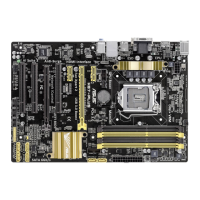
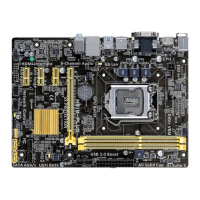
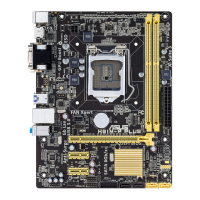
ASUS H87-PRO
3-21
Chapter 3
PCH VLX Voltage [Auto]
Allows you to set the voltage for the I/O on the PCH. Use the <+> or <-> keys to adjust the
value. The values range from 1.185V to 2.135V with a 0.005V interval.
PCH Voltage [Auto]
Allows you to set the Platform Controller Hub voltage. Use the <+> or <-> keys to adjust the
value. The values range from 0.735V to 1.500V with a 0.005V interval.
The system may need better cooling system to work stably under high voltage settings.
DRAM CTRL REF Voltage [Auto]
Allows you to set a fraction of DRAM voltage as reference on the control lines. Use the <+>
or <-> keys to adjust the value. The values range from 0.3950x to 0.6300x with a 0.0050x
interval.
DRAM DATA REF Voltage on CHA/CHB [Auto]
Allows you to set the DRAM DATA Reference Voltage on Channel A/B. The values range
from 0.3950x to 0.6300x with a 0.0050x interval. Different ratio might enhance DRAM
overclocking ability.
CPU Spread Spectrum [Auto]
[Auto] Automatic conguration.
[Disabled] Enhances the BCLK overclocking ability.
[Enabled] Sets to [Enabled] for EMI control.


 To Next Page