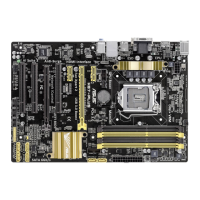
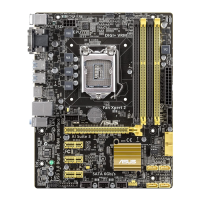
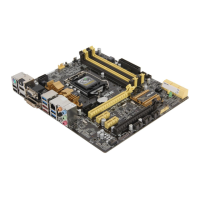
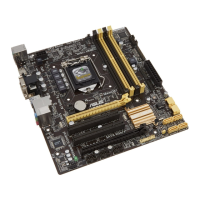
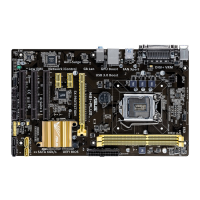
ASUS H87-PRO
3-41
Chapter 3
Bootup NumLock State [On]
[On] Set the power-on state of the NumLock to [On].
[Off] Set the power-on state of the NumLock to
[Off].
Wait For ‘F1’ If Error [Enabled]
[Disabled] Disables the function.
[Enabled] The system waits for the <F1> key to be pressed when error occurs.
Option ROM Messages [Force BIOS]
[Force BIOS] The third-party ROM messages will be displayed during the boot sequence.
[Keep Current] The third-party ROM messages will be displayed only if the third-party
manufacturer had set the add-on device to do so.
Interrupt 19 Capture [Disabled]
[Enabled] Allows the option ROMs to trap Interrupt 19.
[Disabled] Disables this function.
Setup Mode [EZ Mode]
[Advanced Mode] Allows you to go to Advanced Mode of the BIOS after POST.
[EZ Mode] Allows you to go to EZ Mode of the BIOS after POST.
Post Delay Time [3 sec]
This item appears only when you set the Boot Logo Display item to [Enabled]. This
item allows you to select a desired additional POST waiting time to easily enter the
BIOS Setup. You can only execute the POST delay time during normal boot. The
values range from 0 to 10 seconds.
This feature will only work when set under normal boot.
Post Report [5 sec]
This item appears only when you set the Boot Logo Display item to [Disabled]. This
item allows you to select a desired POST report waiting time. Conguration options: [1
sec] - [10 sec] [Until Press ESC]


 To Next Page