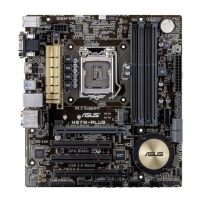
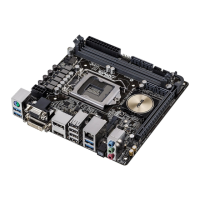
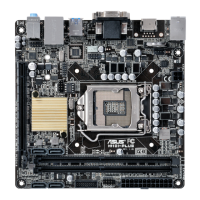
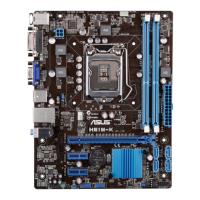
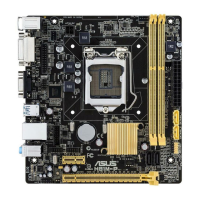
ASUS H97I-PLUS
1-15
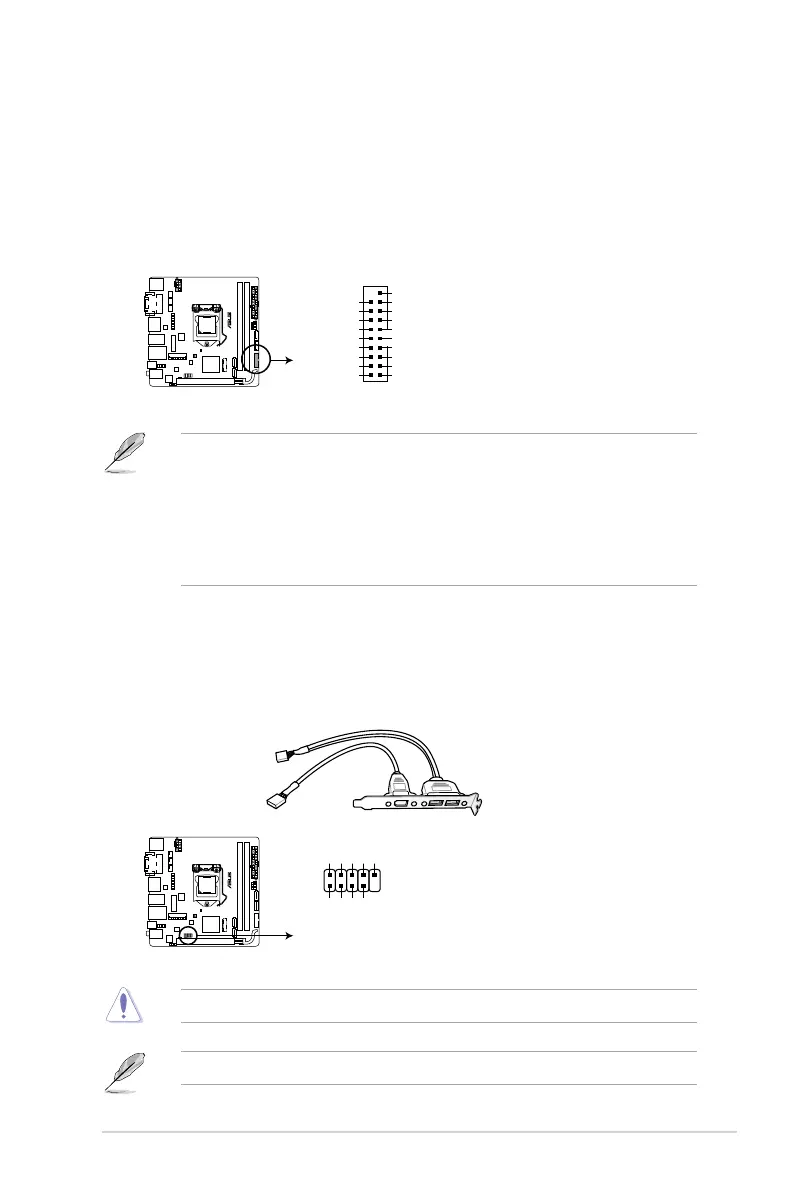
3. USB 3.0 connector (20-1 pin USB3_12)
ThisconnectorallowsyoutoconnectaUSB3.0moduleforadditionalUSB3.0front
orrearpanelports.WithaninstalledUSB3.0module,youcanenjoyallthebenetsof
USB3.0includingfasterdatatransferspeedsofupto4.8Gbps,fasterchargingtimefor
USB-chargeabledevices,optimizedpowerefciency,andbackwardcompatibilitywith
USB2.0.
• TheUSB3.0moduleispurchasedseparately.
• TheseconnectorsarebasedonxHCIspecication.Werecommendyoutoinstallthe
relateddrivertofullyusetheUSB3.0portsunderWindows
®
7.
• ThepluggedUSB3.0devicemayrunonxHCIorEHCImodedependingonthe
operatingsystem’ssetting.
• TheseUSB3.0portsonlysupportTurboModewhenusingUSB3.0Boostfeature.
Neverconnecta1394cabletotheUSBconnector.Doingsowilldamagethemotherboard!
TheUSB2.0moduleispurchasedseparately.
4. USB 2.0 connector (10-1 pin USB1112)
ThisconnectorisforUSB2.0ports.ConnecttheUSBmodulecabletothisconnector,
then install the module to a slot opening at the back of the system chassis. This
USBconnectorcomplieswithUSB2.0specicationthatsupportsupto480Mbps
connection speed.
H97I-PLUS
H97I-PLUS USB3.0 connector
USB3_12
USB3+5V
IntA_P1_SSRX-
IntA_P1_SSRX+
IntA_P1_SSTX-
GND
IntA_P1_SSTX+
GND
IntA_P1_D-
IntA_P1_D+
GND
PIN 1
USB3+5V
IntA_P2_SSRX-
IntA_P2_SSRX+
GND
IntA_P2_SSTX-
IntA_P2_SSTX+
GND
IntA_P2_D-
IntA_P2_D+
H97I-PLUS
H97I-PLUS USB2.0 connector
PIN 1
USB+5V
USB_P11-
USB_P11+
GND
NC
USB+5V
USB_P12-
USB_P12+
GND
USB1112


 To Next Page