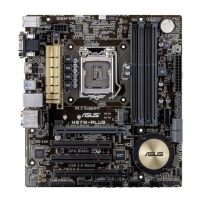
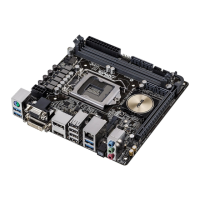
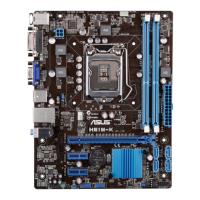
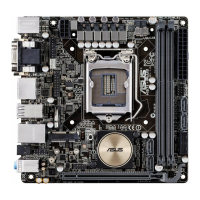
ASUS H97I-PLUS
1-19
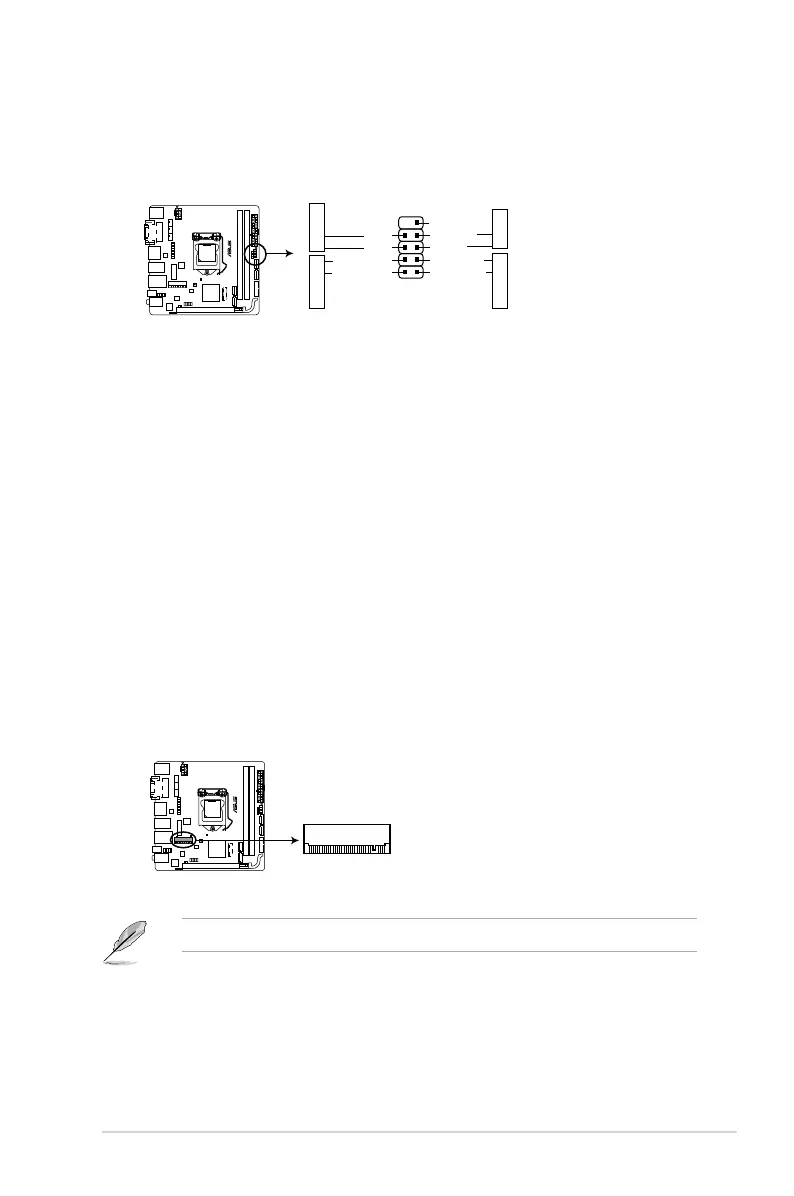
• SystempowerLED(2-pin+PWR_LED-)
This2-pinconnectorisforthesystempowerLED.ConnectthechassispowerLED
cabletothisconnector.ThesystempowerLEDlightsupwhenyouturnonthesystem
power,andblinkswhenthesystemisinsleepmode.
• HarddiskdriveactivityLED(2-pin+HDD_LED-)
This2-pinconnectorisfortheHDDActivityLED.ConnecttheHDDActivityLEDcable
tothisconnector.TheHDDLEDlightsuporasheswhendataisreadfromorwritten
totheHDD.
• ATXpowerbutton/soft-offbutton(2-pinPWR_BTN)
This connector is for the system power button. Pressing the power switch for more than
foursecondswhilethesystemisONturnsthesystemOFF.
• Resetbutton(2-pinRESET)
This 2-pin connector is for the chassis-mounted reset button for system reboot without
turning off the system power.
11. System panel connector (10-1 pin F_PANEL)
Thisconnectorsupportsseveralchassis-mountedfunctions.
H97I-PLUS
H97I-PLUS System panel connector
PIN 1
PWR_BTN
GND
PWR
PWR_LED-
PWR_LED+
(NC)
HWRST#
Ground
HDD_LED-
HDD_LED+
F_PANEL
+PWR LED-
+HDD_LED- RESET
12. Mini PCIe slot
ThisslotallowsyoutoinstallaMiniPCIemodule.
TheMiniPCIemoduleispurchasedseparately.
H97I-PLUS
Mini PCIe
H97I-PLUS Mini PCIe slot


 To Next Page