2
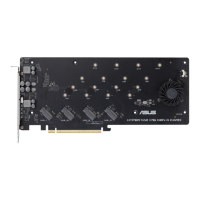
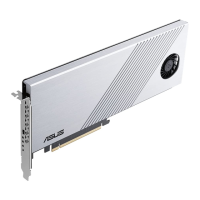
HYPER M.2 X16 CARD
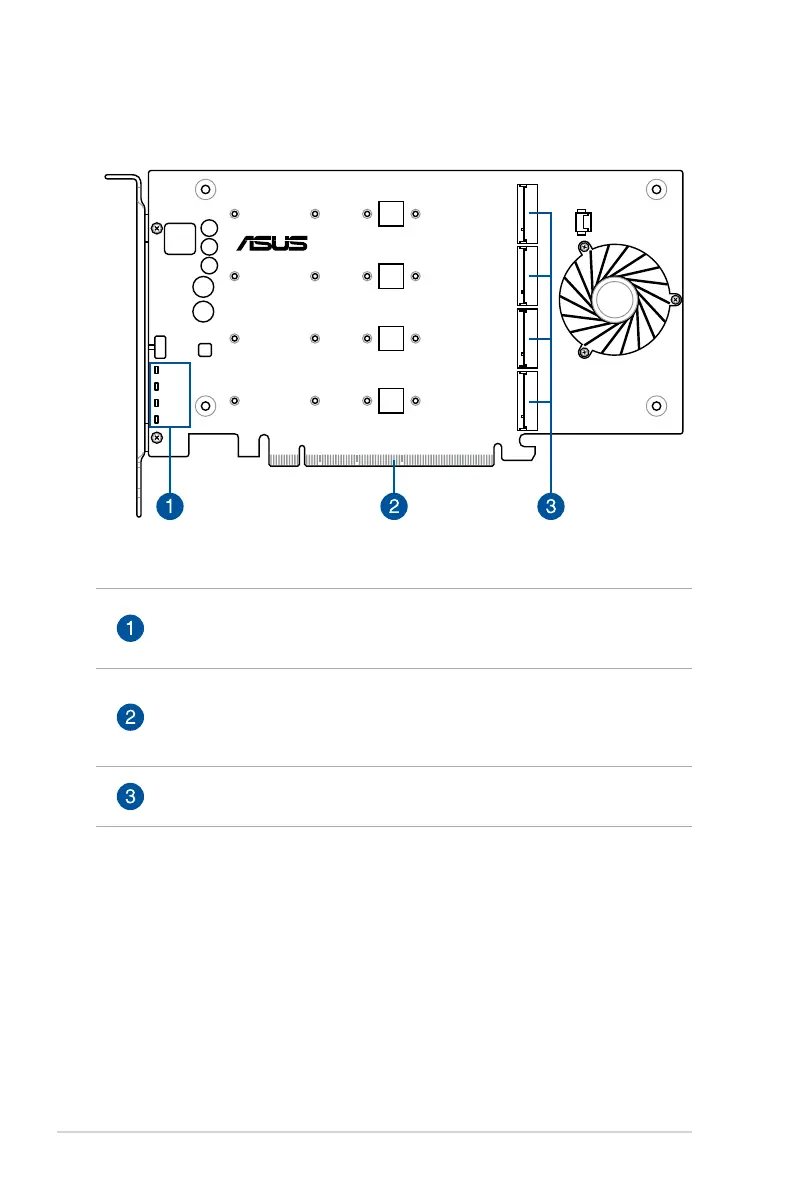
M.2_LED4
M.2_LED2
M.2_LED3
M.2_LED1
M.2 Access LEDs
These LEDs will blink to indicate that data are being read/written from/into the
M.2 storage devices.
PCI Express interface
This is the interface for the ASUS HYPER M.2 X16 card to be installed in your
motherboard PCI Express slot. Ensure to install the ASUS HYPER M.2 X16 card
into a PCI Express 3.0 slot for optimum results.
M.2 (NGFF) card connectors (NGFF1-2)
These connectors allow you to install M.2 storage devices.
Parts and features


 To Next Page