ASUS IPILP-AR 7
4. Expansion slots
The motherboard has one PCI slot.
To install and congure an expansion card:
1. Turn on the system and change the necessary BIOS settings, if any.
2. Assign an IRQ to the card. Refer to the tables below.
3. Install the drivers and/or software applications for the expansion card according
to the card documentation.
IRQ assignments for this motherboard
A B C D E F
PCIE slot 1 — — — shared — —
Onboard LAN — — — — — —
Onboard 1394 controller — — — — used —
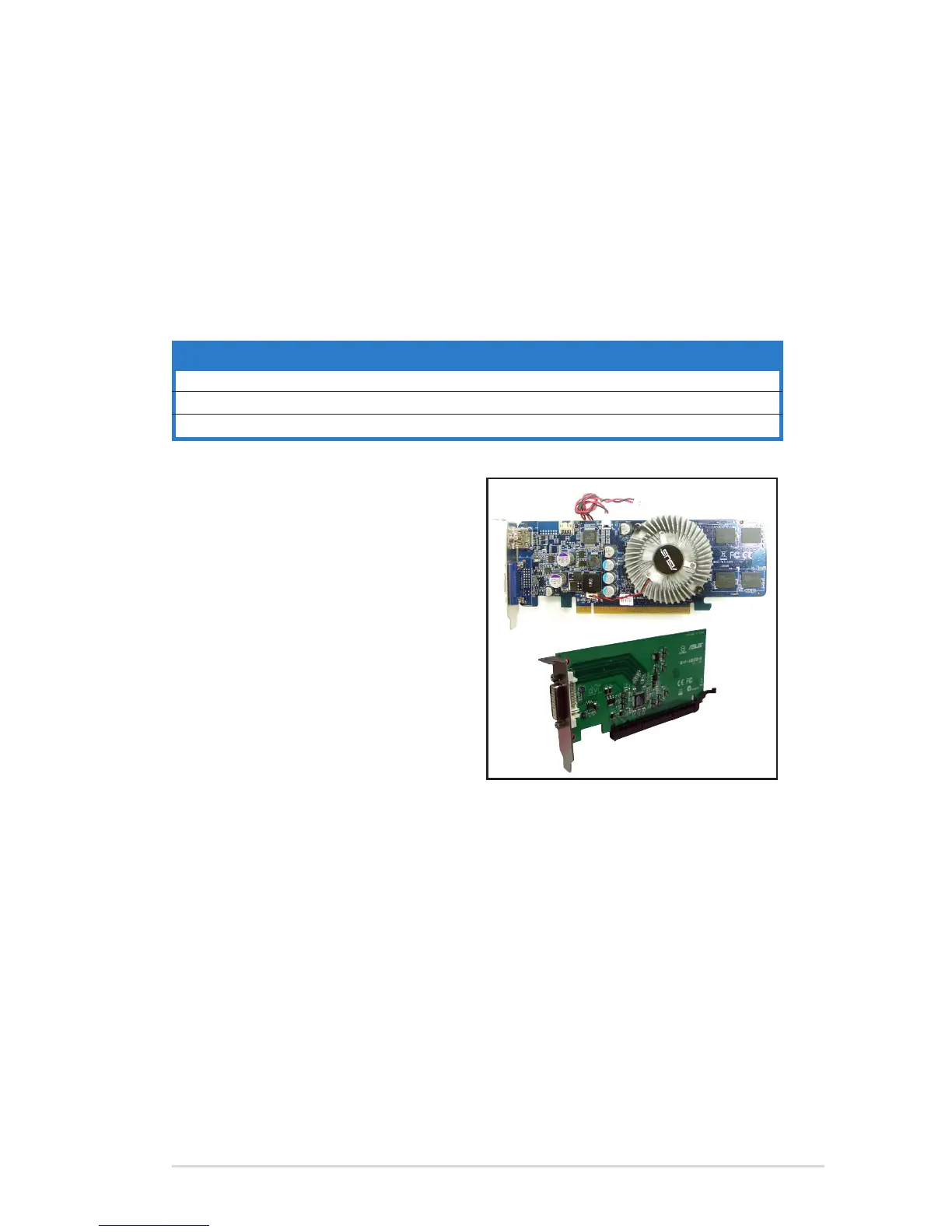
This motherboard supports PCI Express
x16 graphic cards that comply with the
PCI Express specications.
The gure above shows a graphics card
installed on the PCI Express x16 slot.
This motherboard supports an ASUS
R-DVI-ADD2 card for DVI output. The
gure below shows an R-DVI-ADD2 card
installed on the PCI Express x16 slot.


 To Next Page