3
Setting up Lyra mini
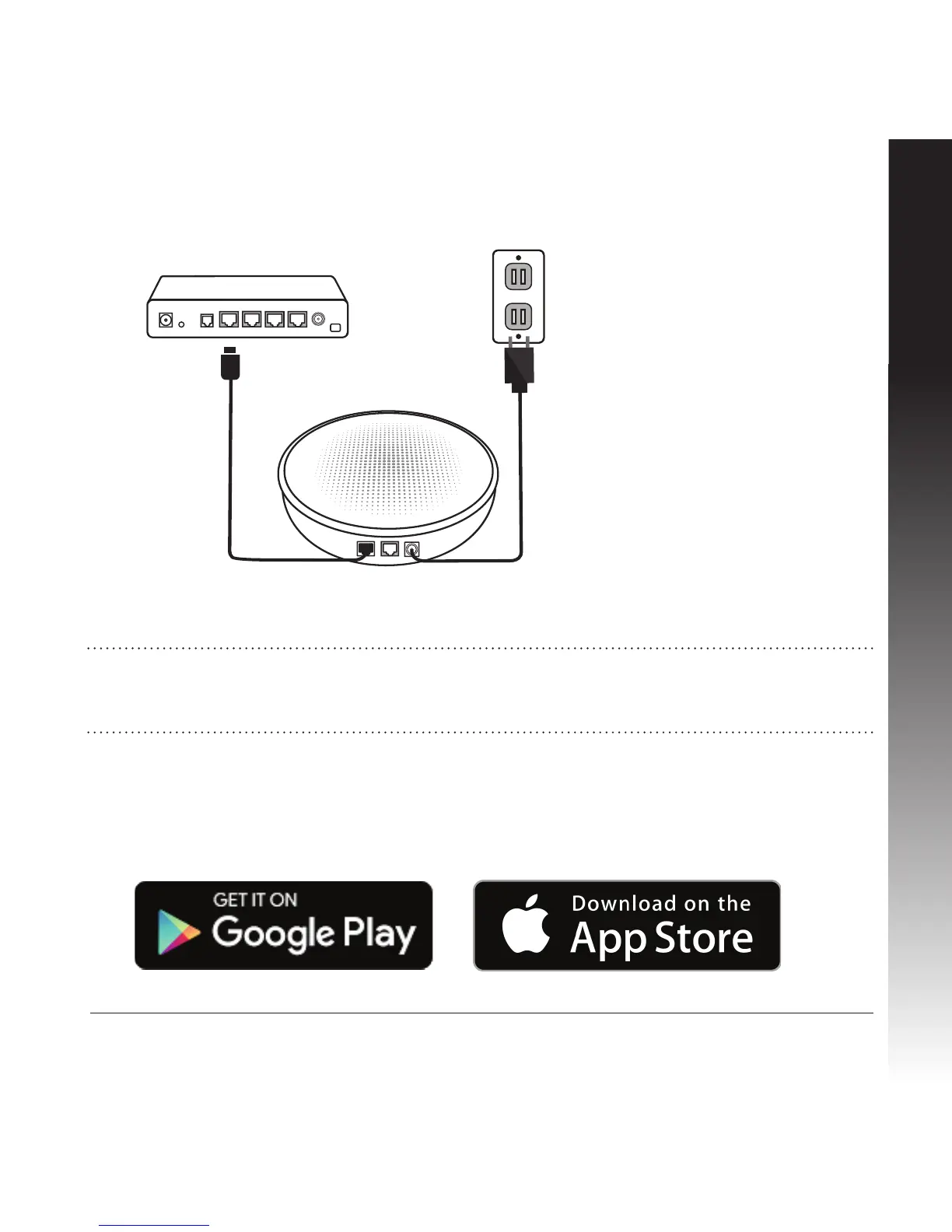
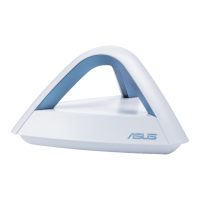
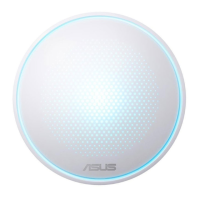
1. Unplug your cable / DSL modem*. Remove the battery if it has one.
* If you are using DSL for internet, you will need a username/password from your internet
service provider (ISP).
* Make sure your device support BLE, Bluetooth 4.0 or above.
2. Plug in your rst Lyra mini and connect it to the modem with the cable provided in the
box.
3. Plug your modem back in.
4. Download the Lyra mini app and follow the steps to setup your Wi-Fi and other Lyra mini.


 To Next Page