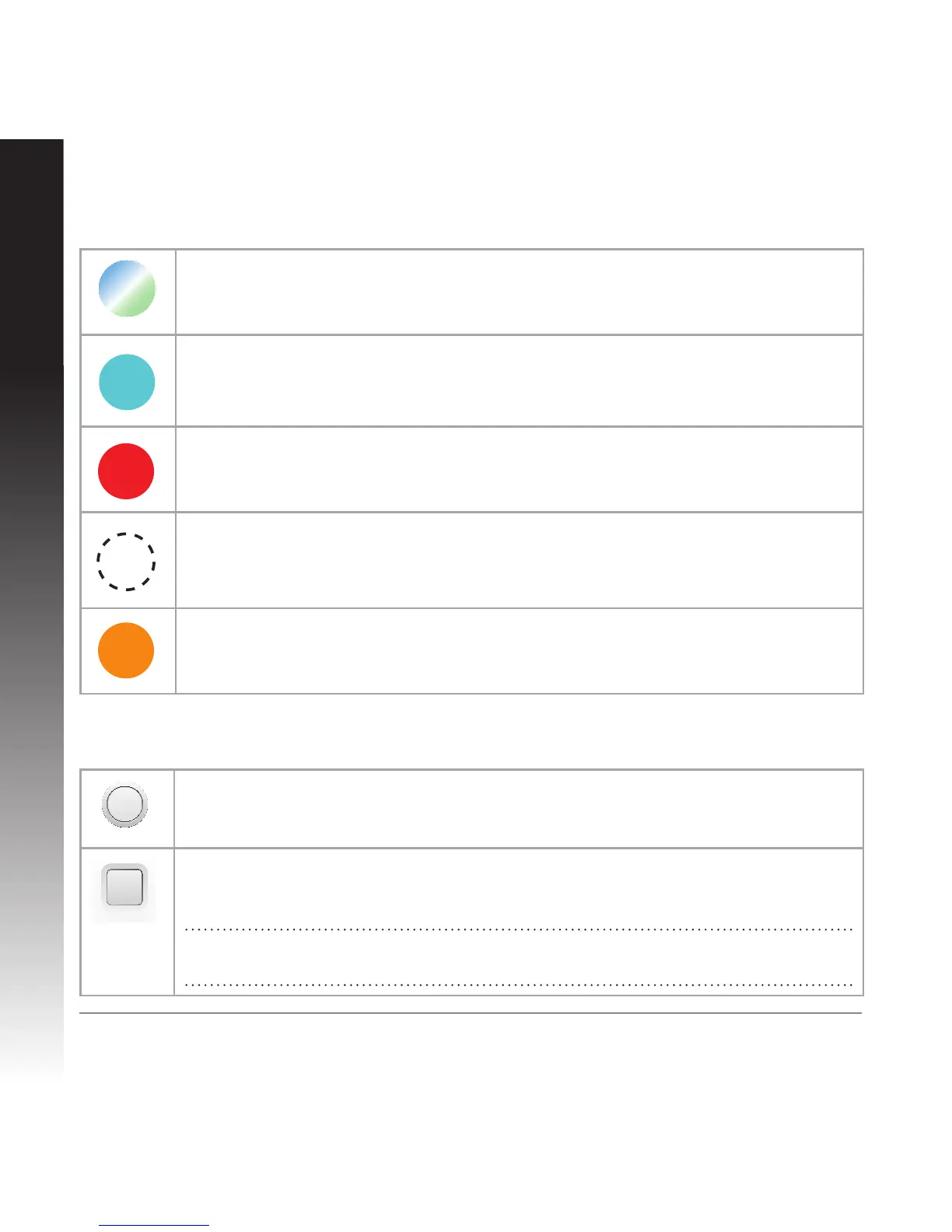
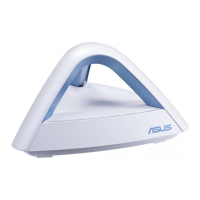
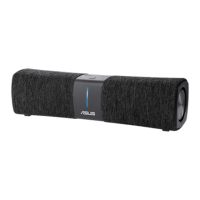
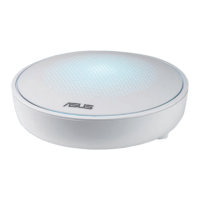
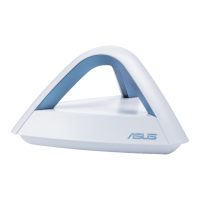
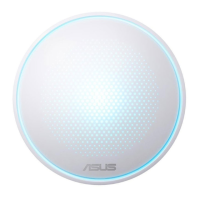
Colors of Lyra mini
Buttons
Random Breathing
Lyra mini is booting up or applying settings.
Light Cyan
Everything is good!
Red
Loss connection to the primary Lyra mini. Move it closer.
Solid White
Lyra mini is ready for setup. It will start blinking when setting up with the app.
Orange
Loss connection to the Internet. Please check the cable connected with your
modem.
Reset
Hold it for 3 seconds to reset this Lyra mini to default setting.
Pairing
Hold it for 3 seconds on both the primary Lyra mini and the new Lyra mini you
wish to add into the network. You’ll see blinking cyan on both Lyra mini.
Note: After you set up the rst Lyra mini, you can use this button to add another
one.


 To Next Page