ASUS M2A-VM HDMI 2-27
Parallel Port Mode [EPP]
Allows you to select the Parallel Port mode.
Conguration options: [Normal] [EPP] [ECP] [Bi-Directional]
The “ECP Mode Use DMA” item becomes user-congurable when the Parallel
Port Mode item is set to [ECP] or [Bi-Directional]
ECP Mode Use DMA [3]
Allows selection of ECP Mode. Conguration options: [1] [3]
Parallel Port Address [378/IRQ7]
Allows you to select the Parallel Port address.
Conguration options: [Disabled] [378/IRQ7] [278/IRQ5] [3BC/IRQ7]
USB Conguration
USB Controller [Enabled]
USB EHCI Controller [Enabled]
USB Legacy support [Enabled]
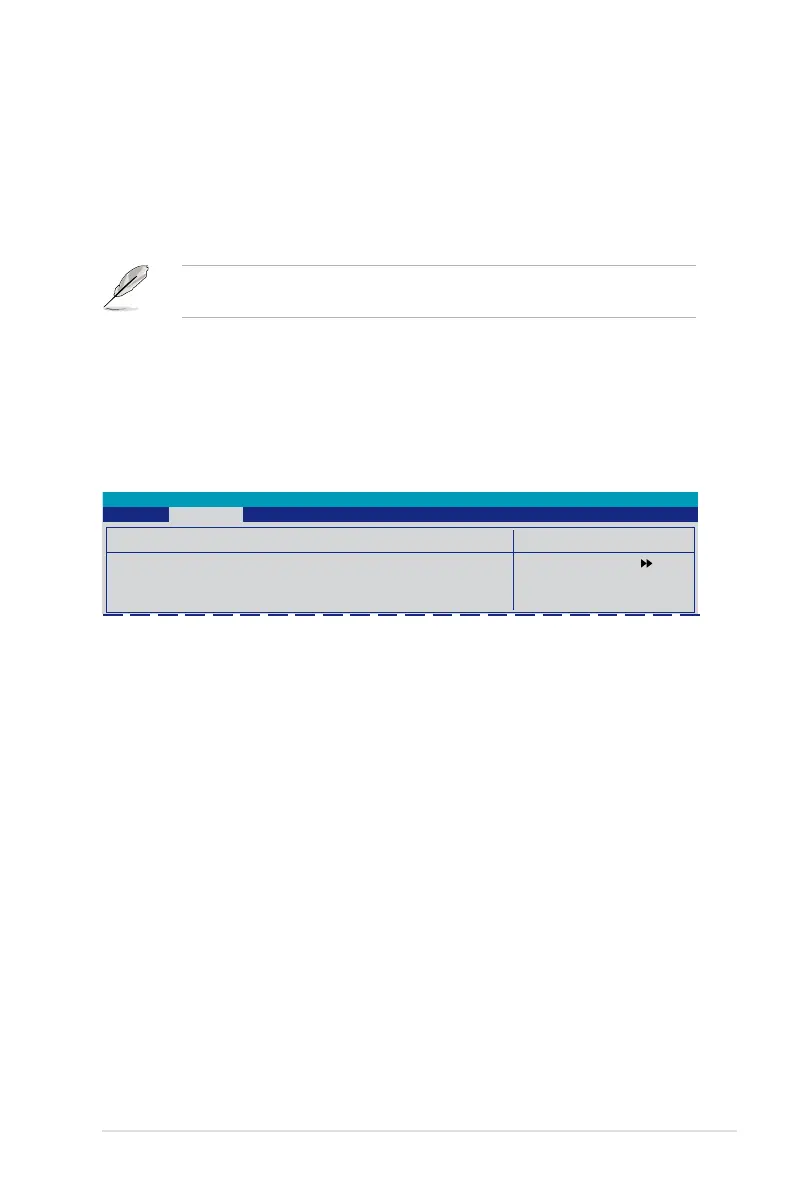
Phoenix-Award BIOS CMOS Setup Utility
Advanced
The items in this menu allows you to change the USB-related features. Select an
item then press <Enter> to display the conguration options.
USB Controller [Enabled]
Allows you to enable or disable the USB controller.
Conguration options: [Disabled] [Enabled]
USB EHCI Controller [Enabled]
Allows you to enable or disable the onchip USB controller.
Conguration options: [Disabled] [Enabled]
USB Legacy Support [Enabled]
Allows you to enable or disable support for USB devices on legacy operating
systems (OS). Conguration options: [Disabled] [Enabled]
2.4.5 USB Conguration
Select Menu
Item Specic Help




 To Next Page