ASUS M2NPV-VM 2-41
3. Enter BIOS setup program. Go to the “Tools” menu to select
“Load from File”. Press <Enter> then the setup screen will appear.
4. Press <Tab> to switch between drives before the correct
“xxx.CMO” le is found. Then press <Enter> to load the le.
5. A pop-up message will inform you when the loading process
nishes.
• Suggest only to update the BIOS le coming from the same memory/CPU
conguration and BIOS version.
• Only the “xxx.CMO” le can be loaded.
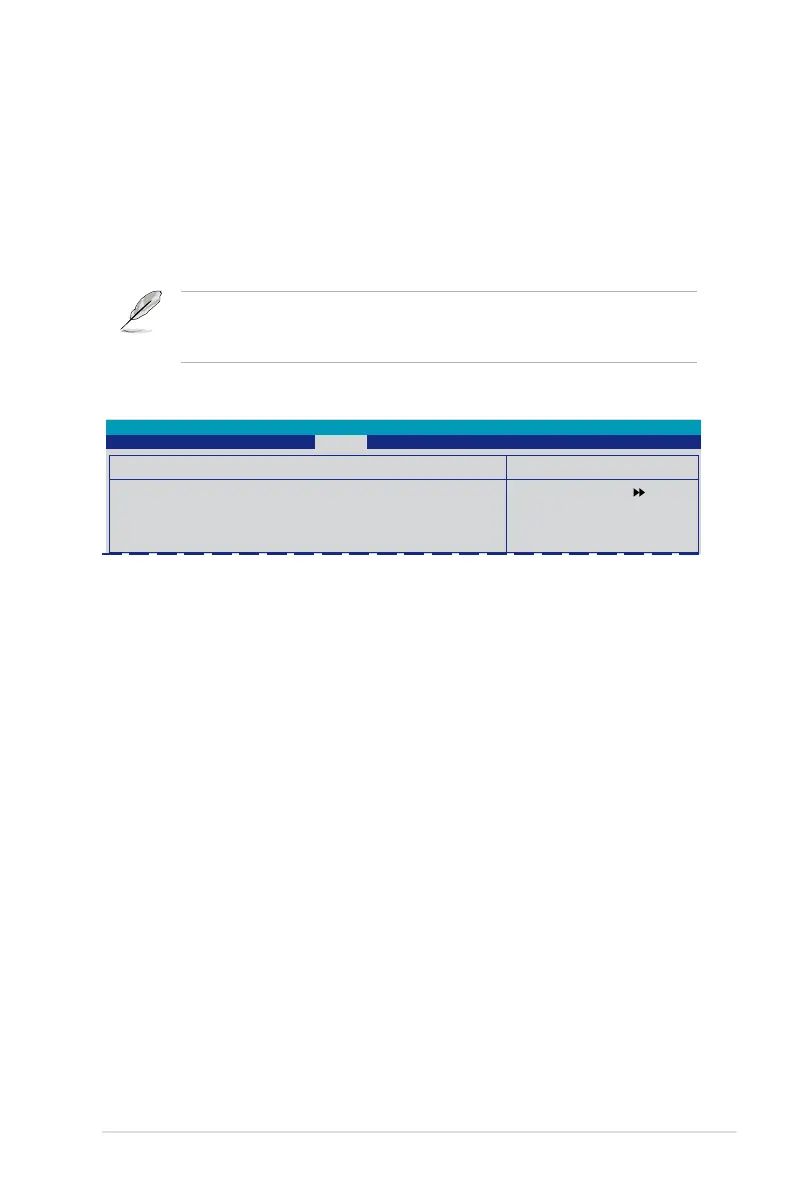
Select Menu
Item Specic Help
Save current BIOS Prole
to Prole 1.
Save BIOS Prole
Save to Prole 1
Save to Prole 2
Save to File
Phoenix-Award BIOS CMOS Setup Utility
Tools
Save BIOS Prole
Save to Prole 1/2
Allows you to save the current BIOS le to the BIOS Flash. Press <Enter> to save
the le.
Save to File
Allows you to save the current BIOS le to the hard disk/oppy disk/USB ash disk
with the FAT32/16/12 format. Follow the instructions below to save the BIOS le.
1. Insert the storage devices with enough space.
2. Turn on the system.
3. Enter BIOS setup program. Go to the “Tools” menu to select
“Save to File”. Press <Enter> then the setup screen will appear.
4. Press <Tab> to switch between drives. Press hot-key <S> to save
the le.
5. Key in the le name. Then press <Enter>.
6. A pop-up message will inform you when the loading process
nishes.

 To Next Page
 Loading...