2-32
第二章:BIOS程序设置
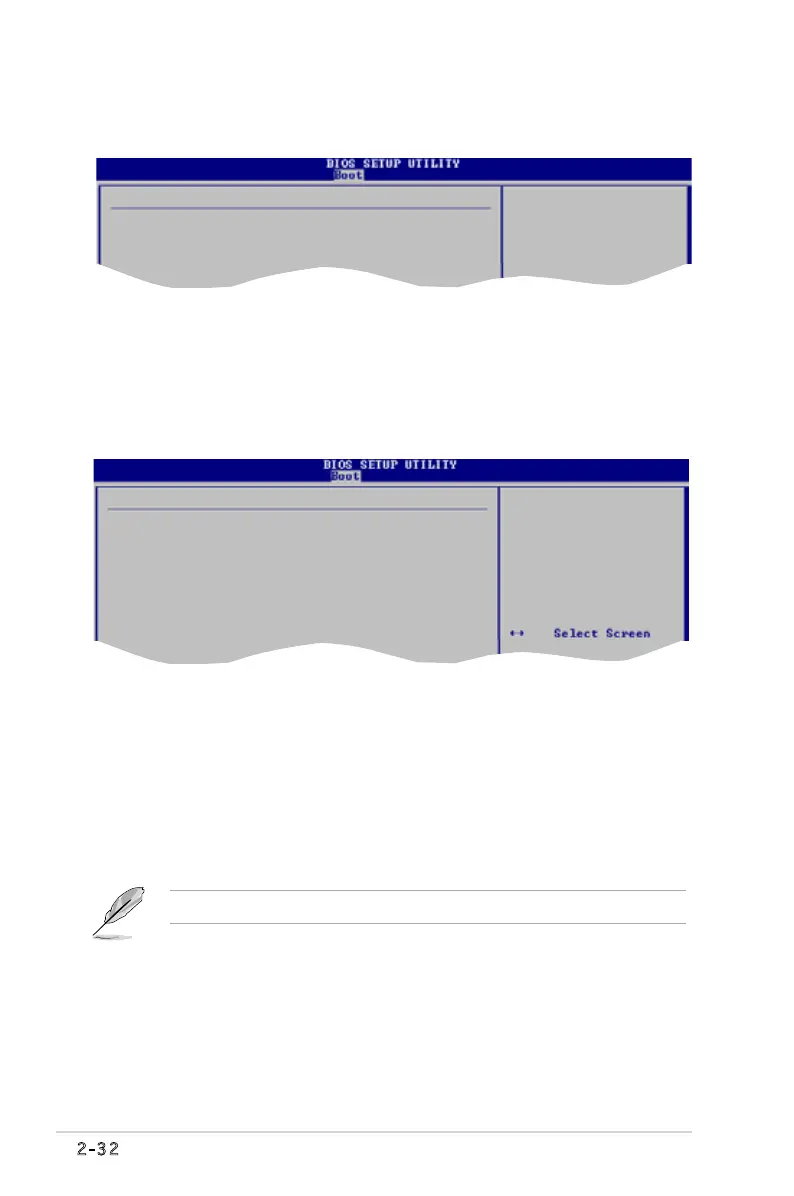
2.6.1 启动设备优先级 (Boot Device Priority)
1st ~ xxth Boot Device [1st Floppy Drive]
本项目可以让您从可用设备中指定启动设备的优先顺序。屏幕上显示的设备项目号
取决于系统中所安装设备的数目。
设置值有: [1st FLOPPY DRIVE][Hard Drive][ATAPI CD-ROM][Disabled]
Boot Device Priority
1st Boot Device [1st FLOPPY DRIVE]
2nd Boot Device [Hard Drive]
3rd Boot Device [ATAPI CD-ROM]
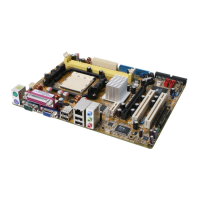
2.6.2 启动设置 (Boot Settings Configuration)
Quick Boot [Enabled]
本项目设置为[Enabled]可在启动时省略开机自检(POST)以进行快速启动;设置为
[Disabled]时 BIOS 将运行所有开机自检项目。
设置值有: [Disabled] [Enabled]
Full Screen Logo [Enabled]
本项目可让您启用或禁用 Full Screen Logo 显示功能。设置值有: [Disabled]
[Enabled]
将此项目设置为[Enabled]后可使用华硕 MyLogo™ 功能。.
BootSettingsConguration
Quick Boot [Enabled]
Full Screen Logo [Enabled]
Bootup Num-Lock [On]
Wait for ‘F1’ If Error [Enabled]
Hit ‘DEL’ Message Display [Enabled]
Allows BIOS to skip
certain tests while
booting. This will
decrease the time
needed to boot the
system.


 To Next Page