ASUS M2V - T V M 2-7
2.1.5 ASUS Update
The ASUS Update is a utility that allows you to update the motherboard
BIOS in Windows
®
environment. This utility is available in the support
CD that comes with the motherboard package. ASUS Update requires
an Internet connection either through a network or an Internet Service
Provider (ISP).
To install ASUS Update:
1. Insert the support CD into the CD-ROM drive. The Drivers menu appears.
2. Click the Utilities tab, then click Install ASUS Update VX.XX.XX. See page
5-3 for the Utilities menu screen.
3. The ASUS Update utility is copied into your system.
To update the BIOS using ASUS Update:
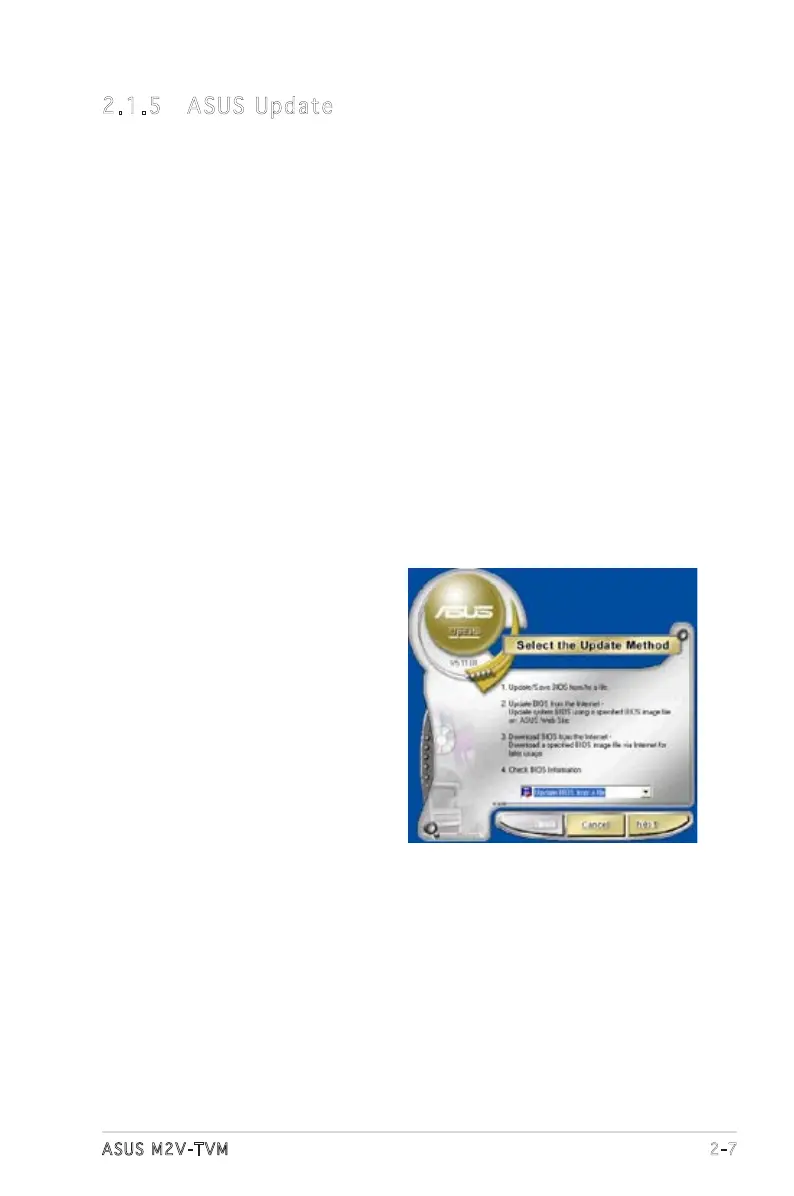
1. Launch the utility from the Windows desktop by clicking Start >
Programs > ASUS > ASUSUpdate > ASUSUpdate. The ASUS Update
initial screen appears.
2. Select your desired update
method, then click Next.


 To Next Page