52
Notebook PC User Manual
To reconfigure the Instant Key, press and hold the Instant Key for
about three seconds to launch the Instant Key setup screen.
Function Description
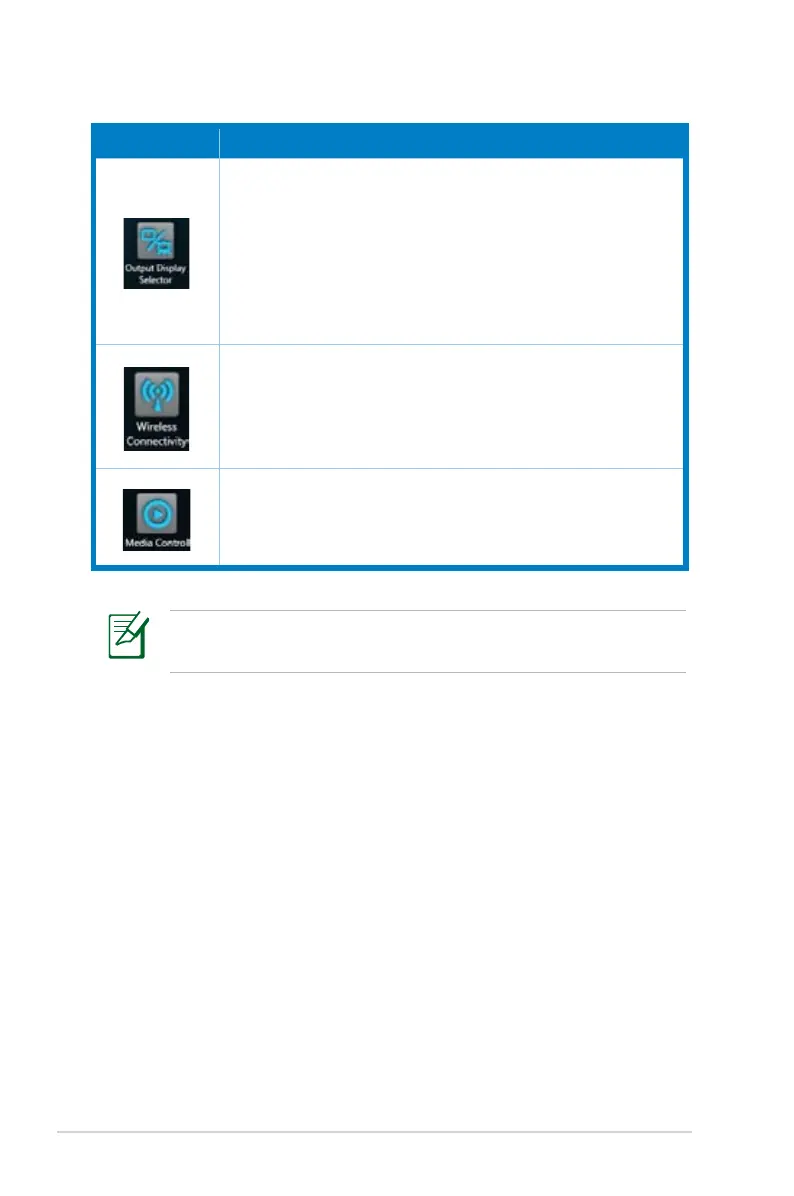
Output Display Selector
Quickly switches between notebook, external
monitor, and a duplicate monitor.
This function mimics the behavior of <Fn> + <F8>,
which is the Touchpad LCD/Monitor Switch function
key.
Wireless Connectivity
Allows you to enable or disable Wi-Fi and Bluetooth.
This function mimics the behavior of <Fn> + <F2>,
which is the WLAN/Bluetooth Switch function key.
Media Control
Quickly launches Windows Media Player, and plays/
pauses during media playback.



 To Next Page