Notebook PC E-Manual
29
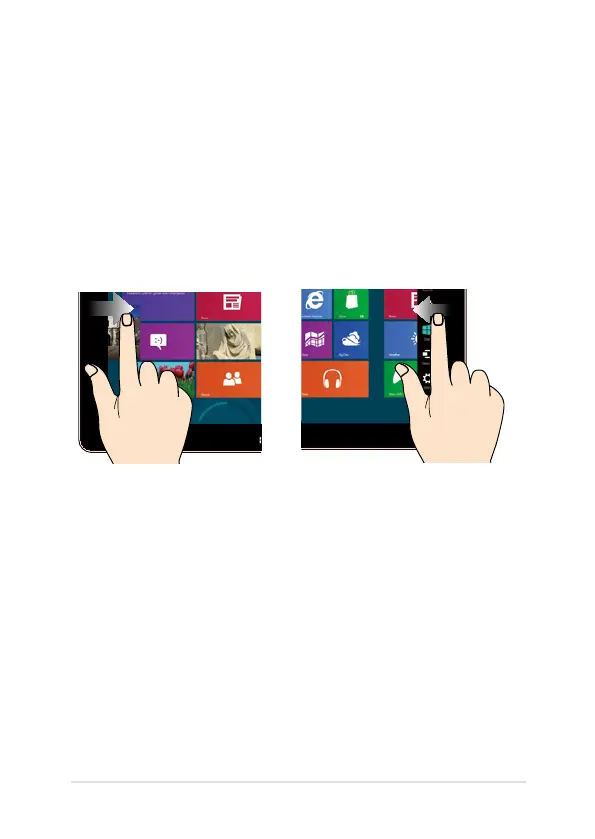
Left edge swipe Right edge swipe
Swipe from the left edge of the
screen to shue your running
apps.
Swipe from the right edge of the
screen to launch the Charms
bar.
Gestures for the touch screen (on
selected models) and touchpad
Gestures allow you to launch programs and access the settings of your
Notebook PC. Refer to the following illustrations when using hand
gestures on your touch screen and touchpad.
Using the touch screen


 To Next Page
 Loading...












