Notebook PC E-Manual
39
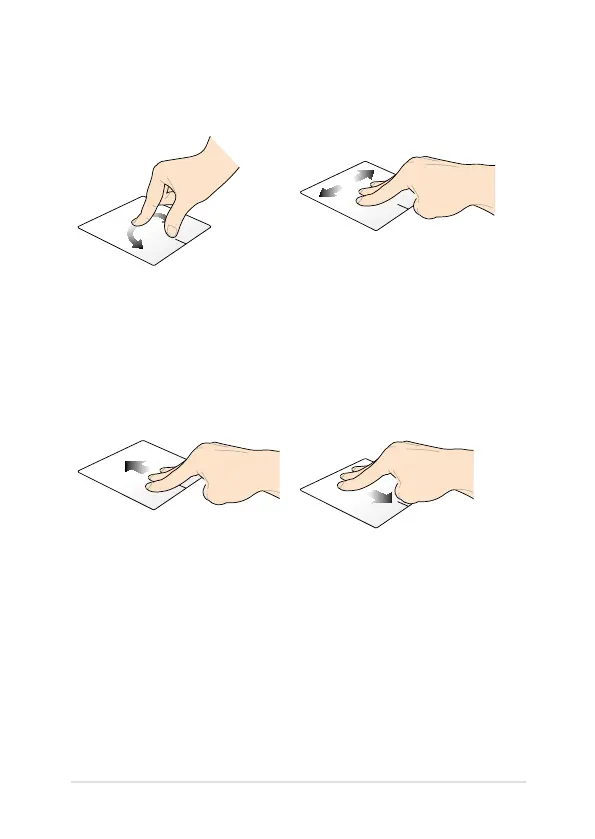
Rotate Swipe left or swipe right
With one nger steady on the
touchpad, rotate another nger
clockwise or counterclockwise.
Swipe three ngers left or right to
navigate pages.
Swipe up Swipe down
Swipe three ngers upward to
show all running applications.
Swipe three ngers downward to
show the Desktop mode.
Using the rotate and three-nger gestures


 To Next Page
 Loading...











