8.0
Set Up Microsoft® Windows 11
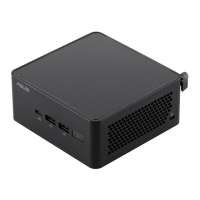
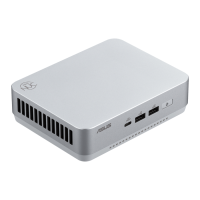
Microsoft Windows 11 is already installed on the ASUS NUC. The first time you start the computer,
you are guided through the Windows 11 setup steps, including:
•
Selecting your region and language.
•
Accepting the Microsoft Windows license terms.
•
Personalizing Windows and assign a PC Name.
•
"Get Online" dialog to pick a wireless network (this step is optional).
•
Choosing Express Settings or Customize.
•
Assigning a Username and Password.
Reinstalling the Operating System
If you upgrade or replace the computer’s drive, you may need to install a new version of
the operating system. See these resources:
•
Supported Operating Systems
•
Windows Setup Guide



 To Next Page