1.2 Installation Precautions
When you install and test the ASUS NUC, observe all warnings and cautions in the
installation instructions.
To avoid injury, be careful of:
•
Sharp pins on connectors
•
Sharp pins on circuit boards
•
Rough edges and sharp corners on the chassis
•
Hot components (such as SSDs, processors, voltage regulators, and heat sinks)
•
Damage to wires that could cause a short circuit
Observe all warnings and cautions that instruct you to refer computer servicing to
qualified technical personnel.
1.3 Observe Safety and Regulatory Requirements
If you don’t follow these instructions, you increase your safety risk and the possibility of
noncompliance with regional laws and regulations.
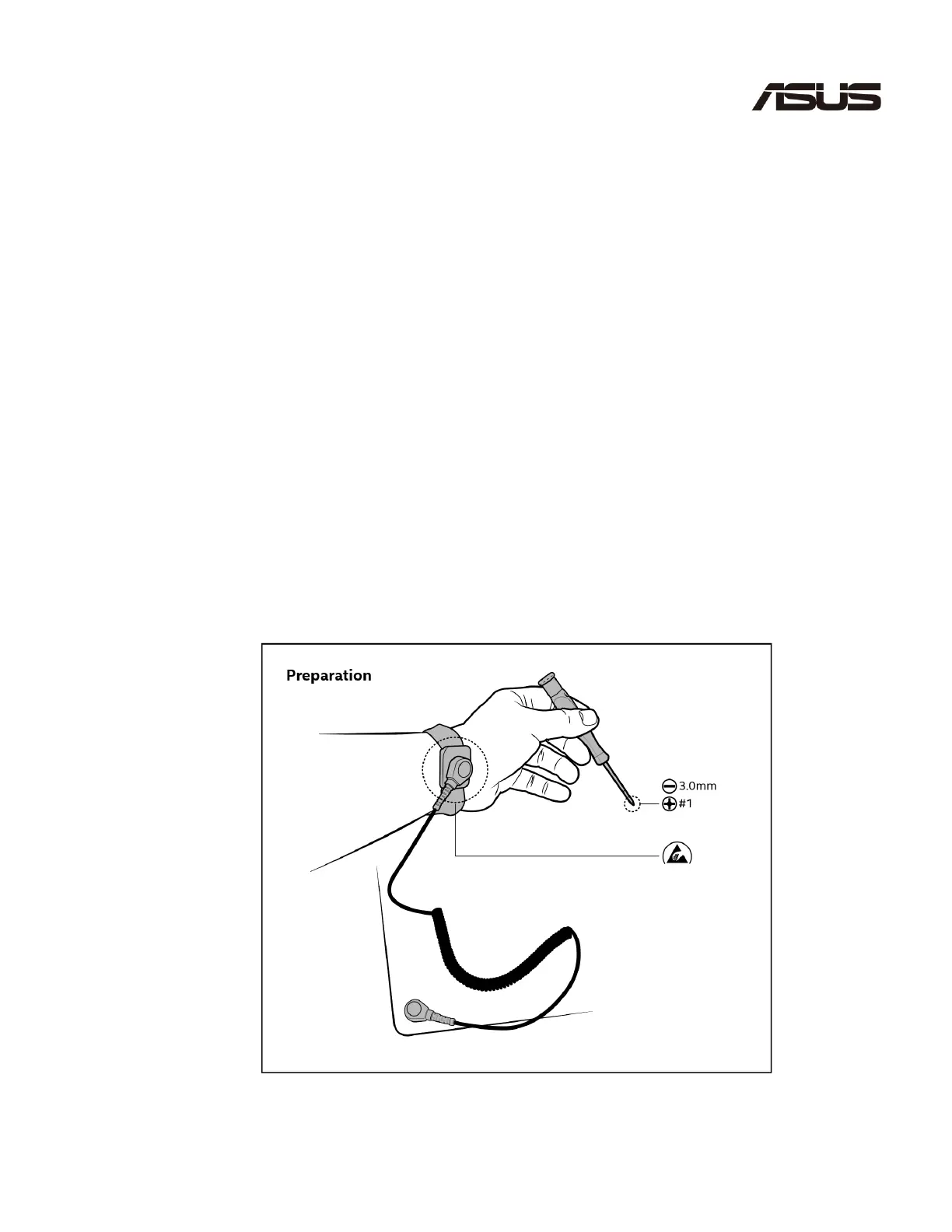
1.4 Tools Needed



 To Next Page